Stencil Generator

Tattoo Stencil — create a stencil for skin transfer

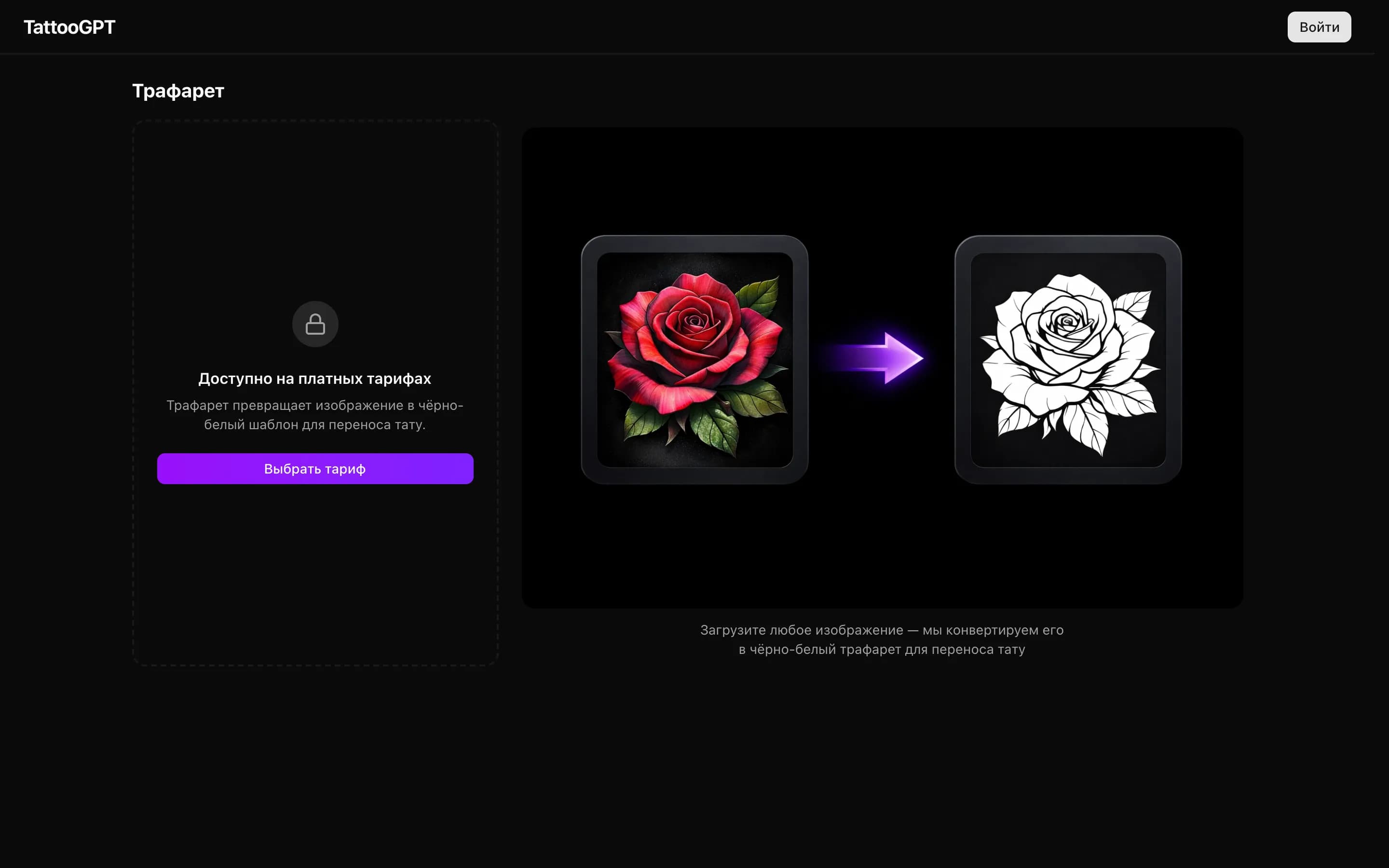
A stencil is a contour template of a tattoo used for precise transfer of the design onto the skin before application. Professional tattoo artists work with stencils to guarantee correct proportions, placement, and detail of the design. GenTattoo automatically creates stencils from any design — whether AI-generated or uploaded manually.
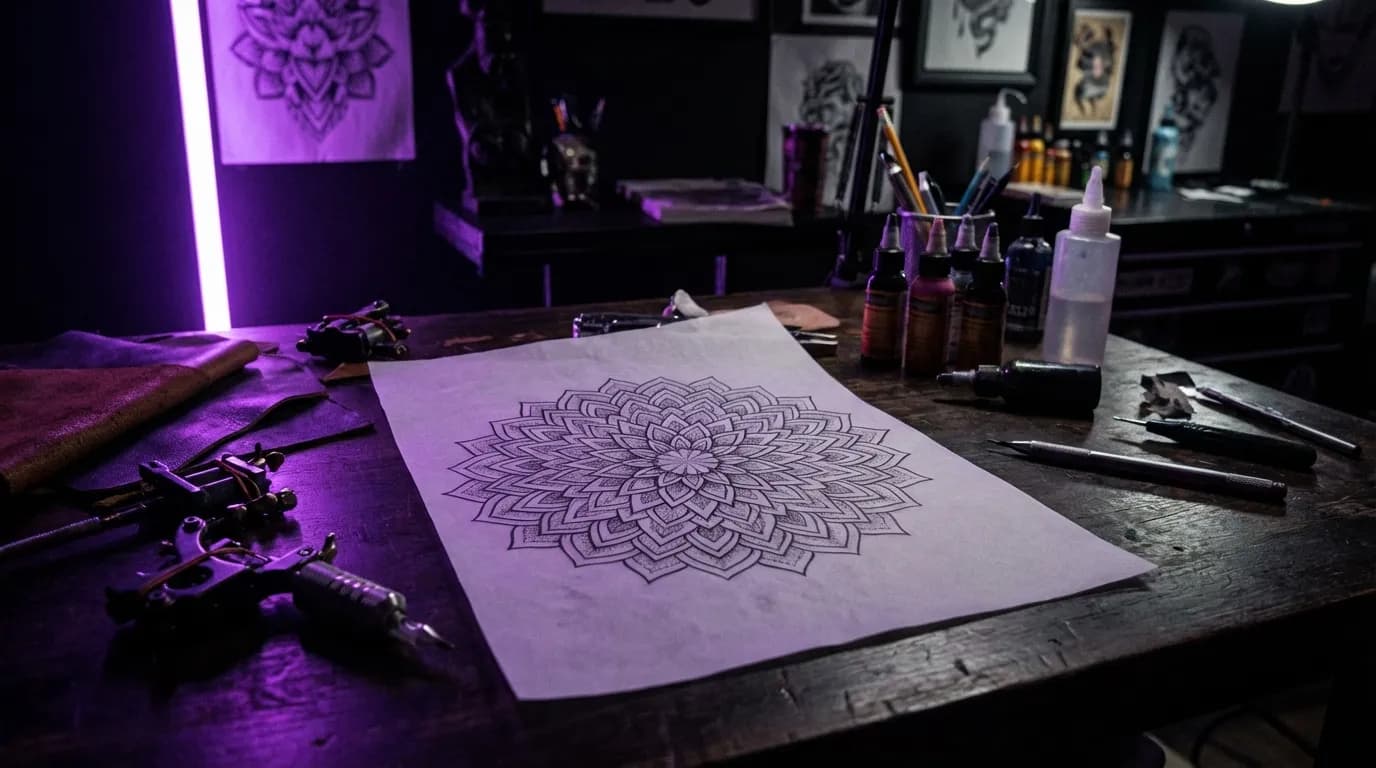
Ready stencil
Thermal ready
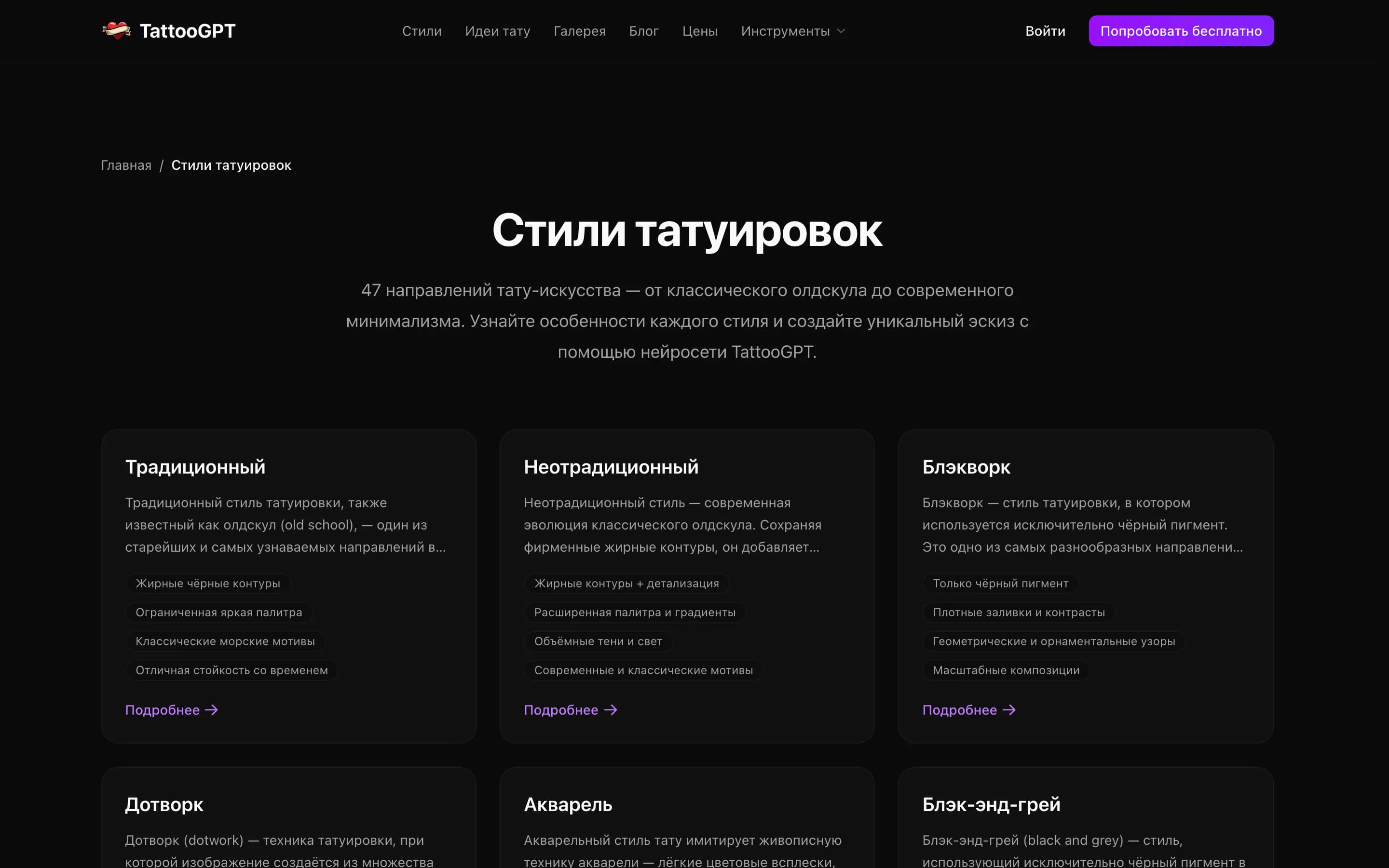
47+ styles
Stencil on desk
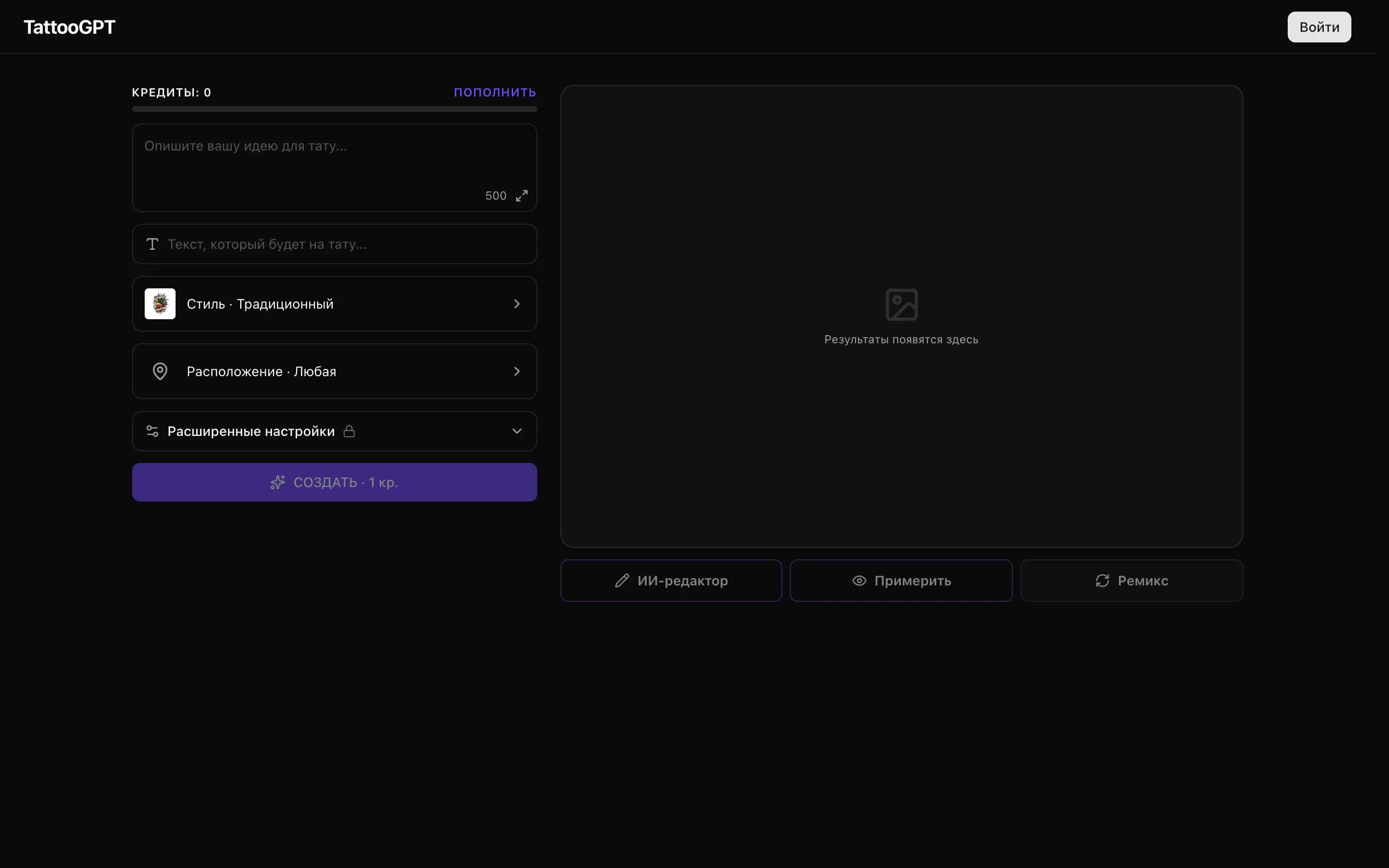
Enter description
Printing stencil
Applying stencil
47+Tattoo styles
InstantStencil generation
Print readyThermal transfer
4.8 / 5Artist rating

Stencil Examples

Clean lines, ready for application
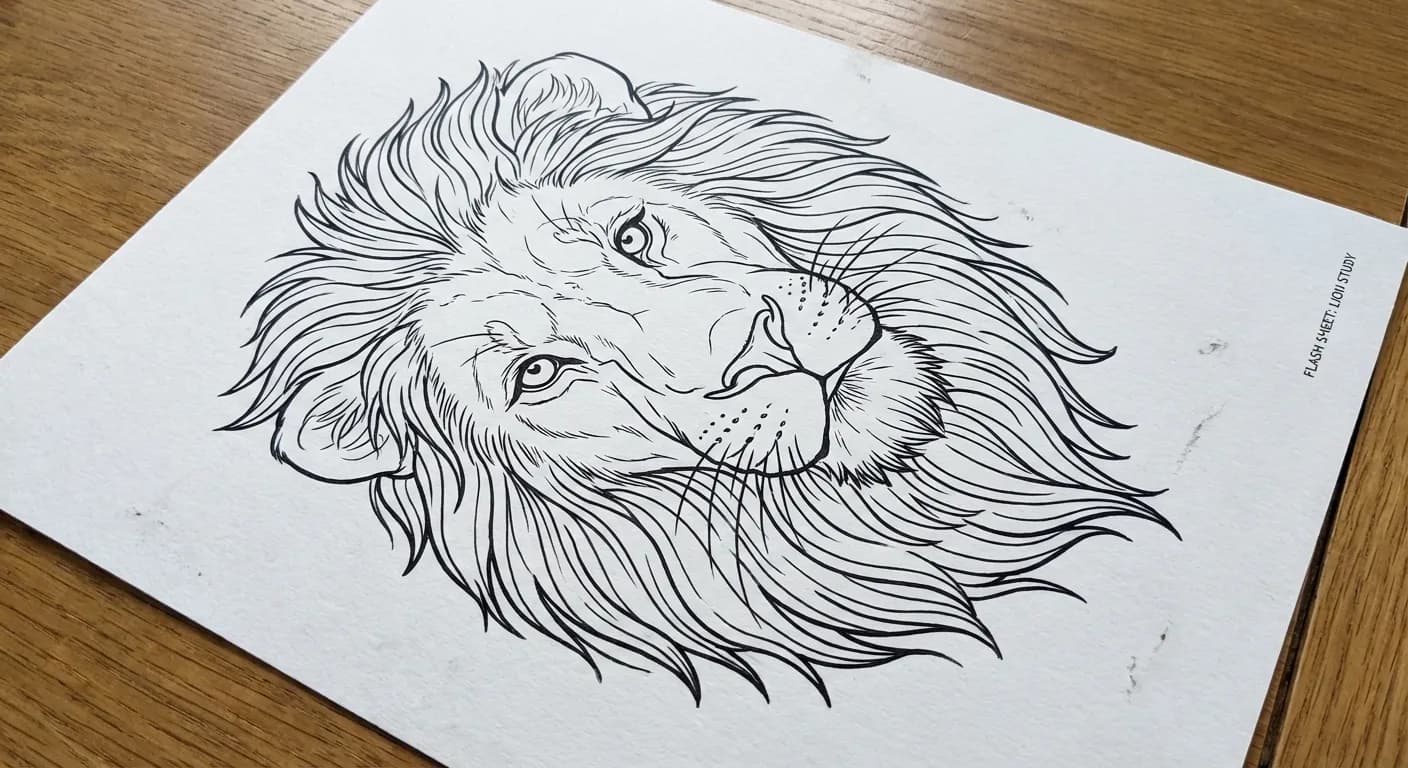
Realistic lion
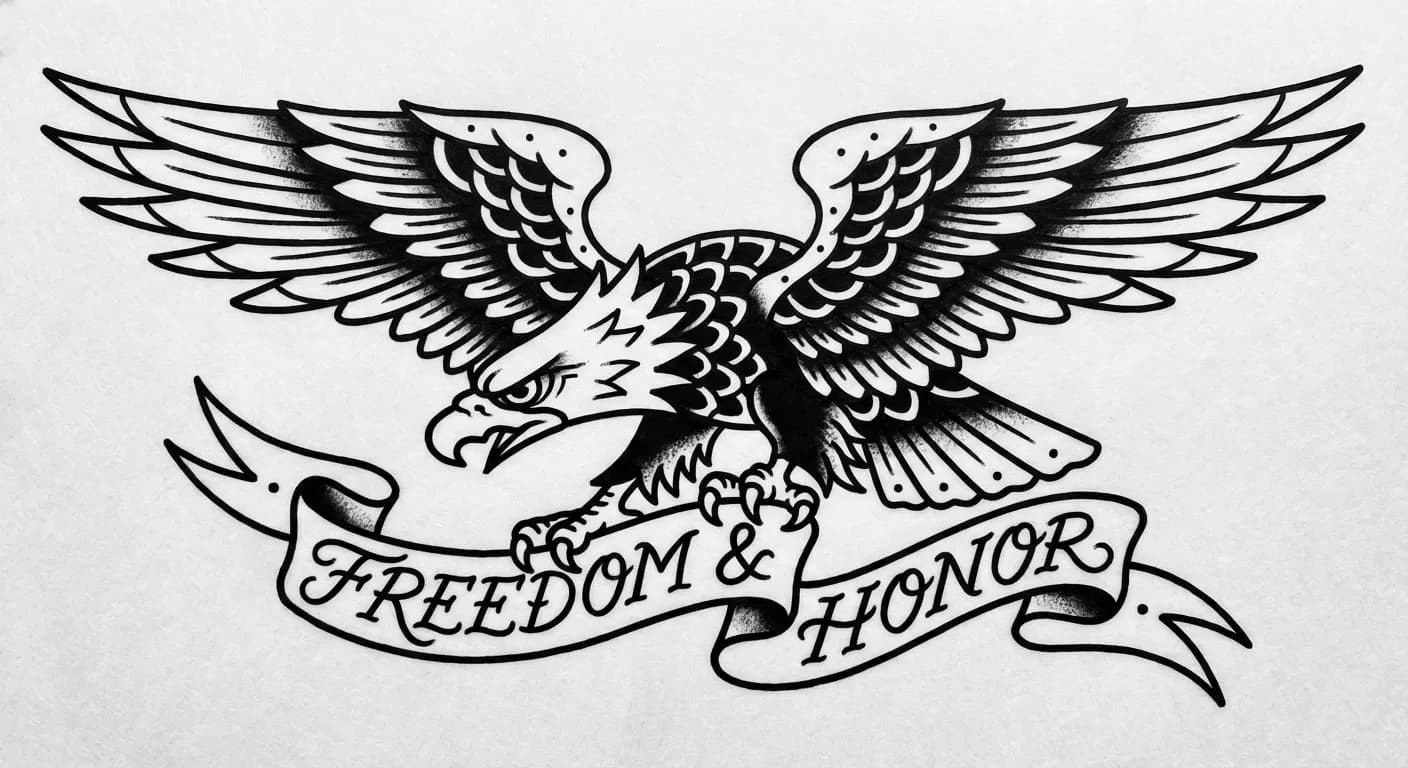
Old school eagle
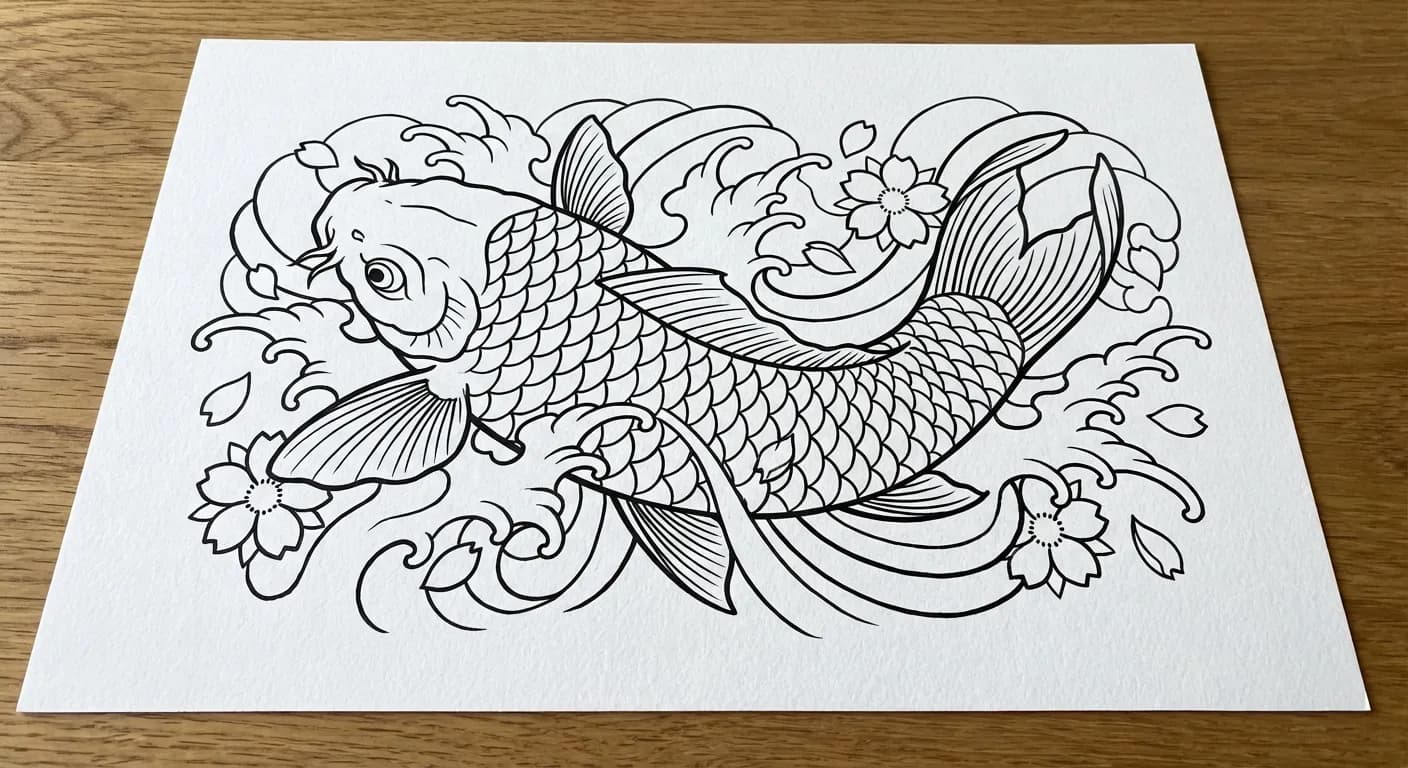
Japanese koi
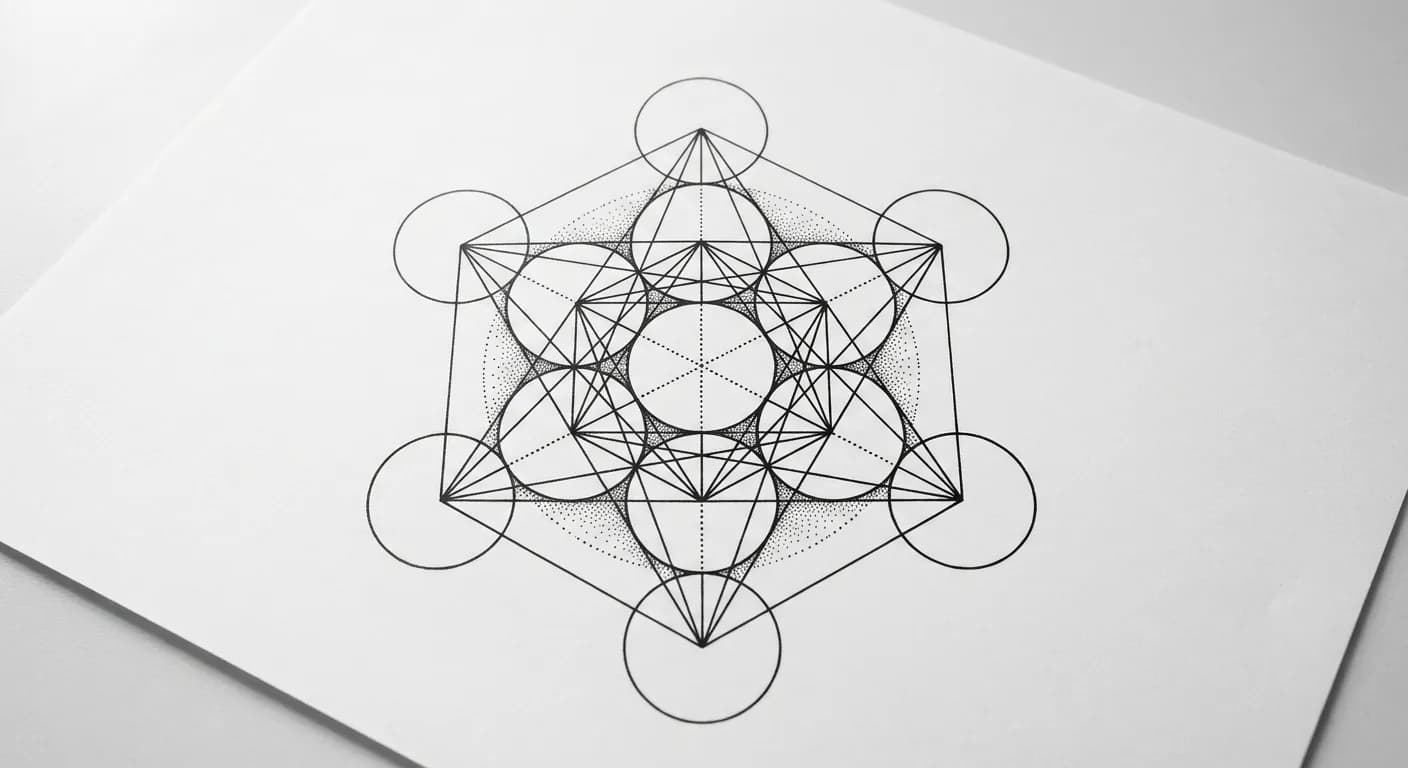
Sacred geometry
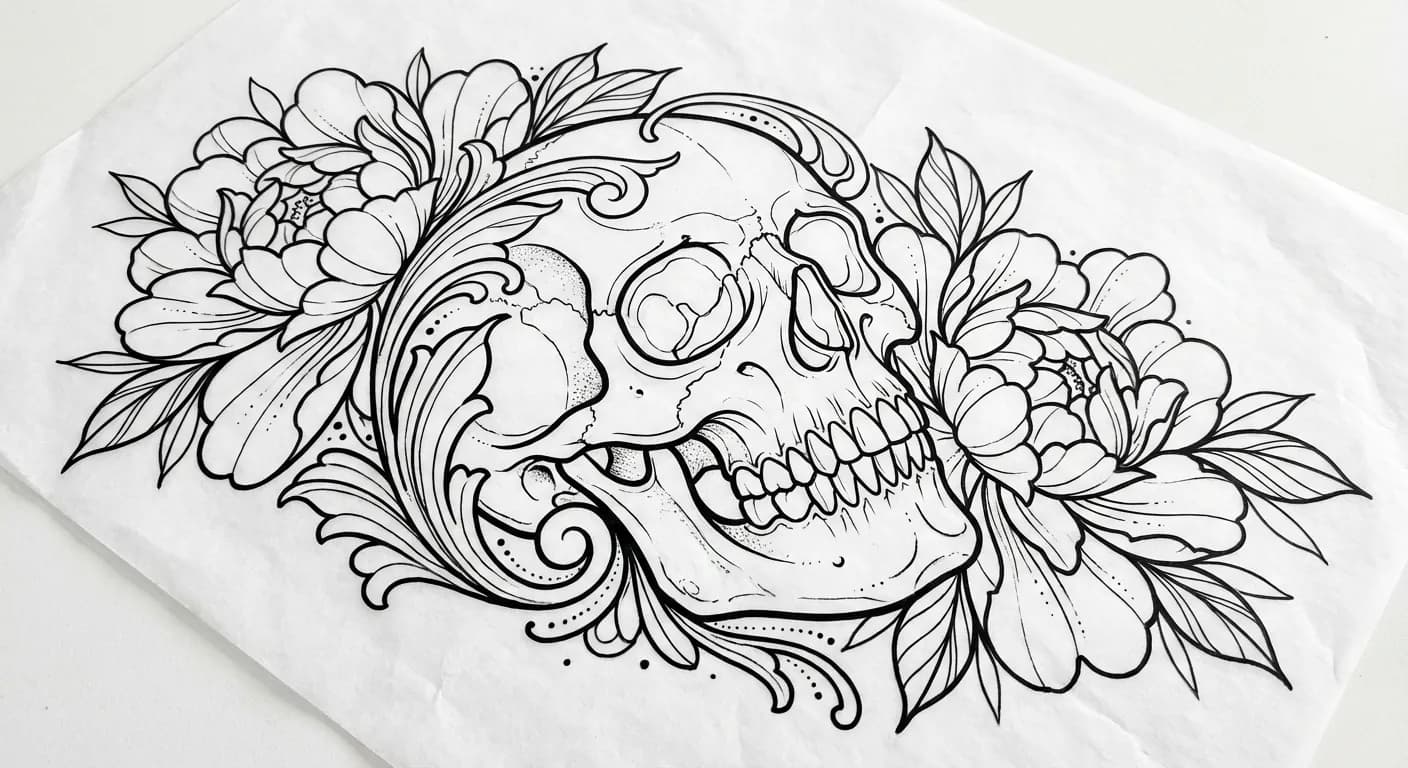
Skull with peonies
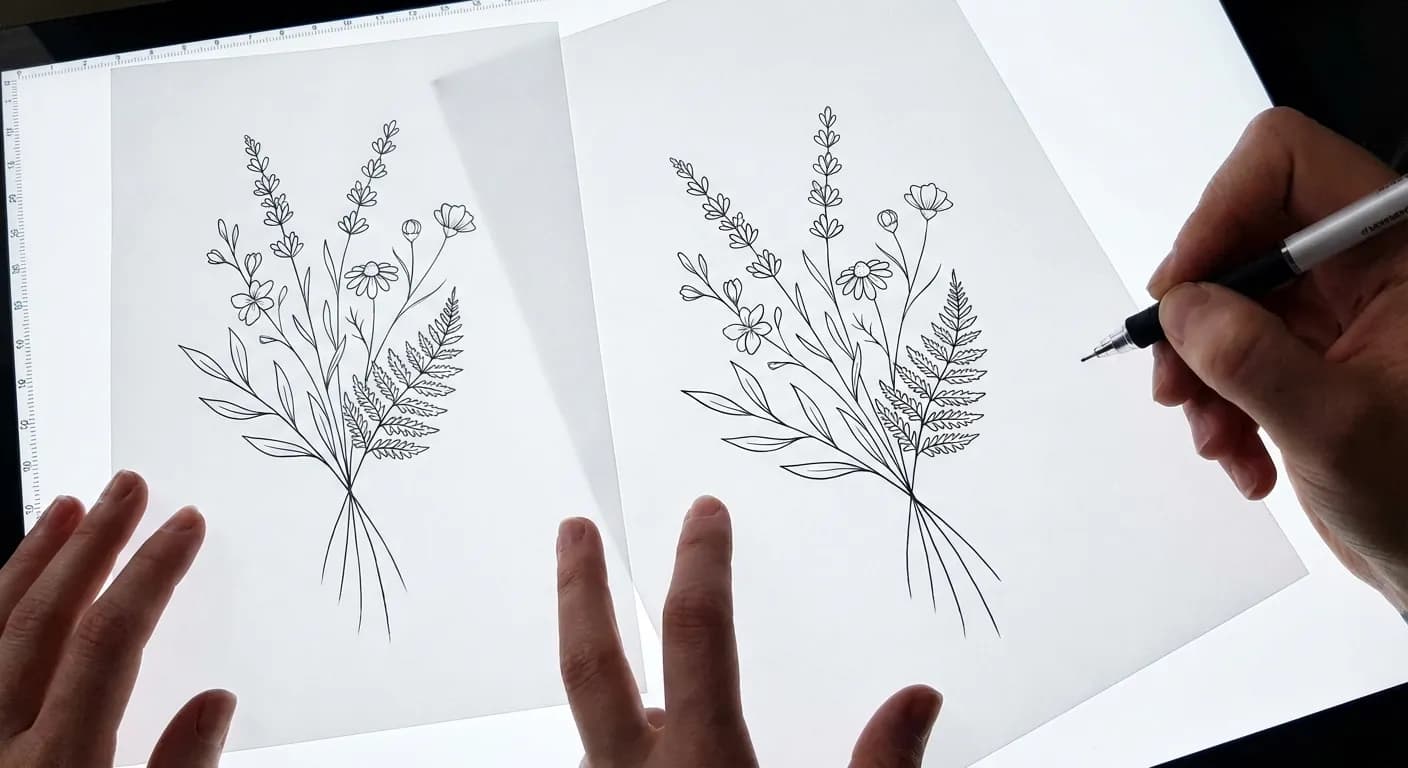
Minimalist flowers
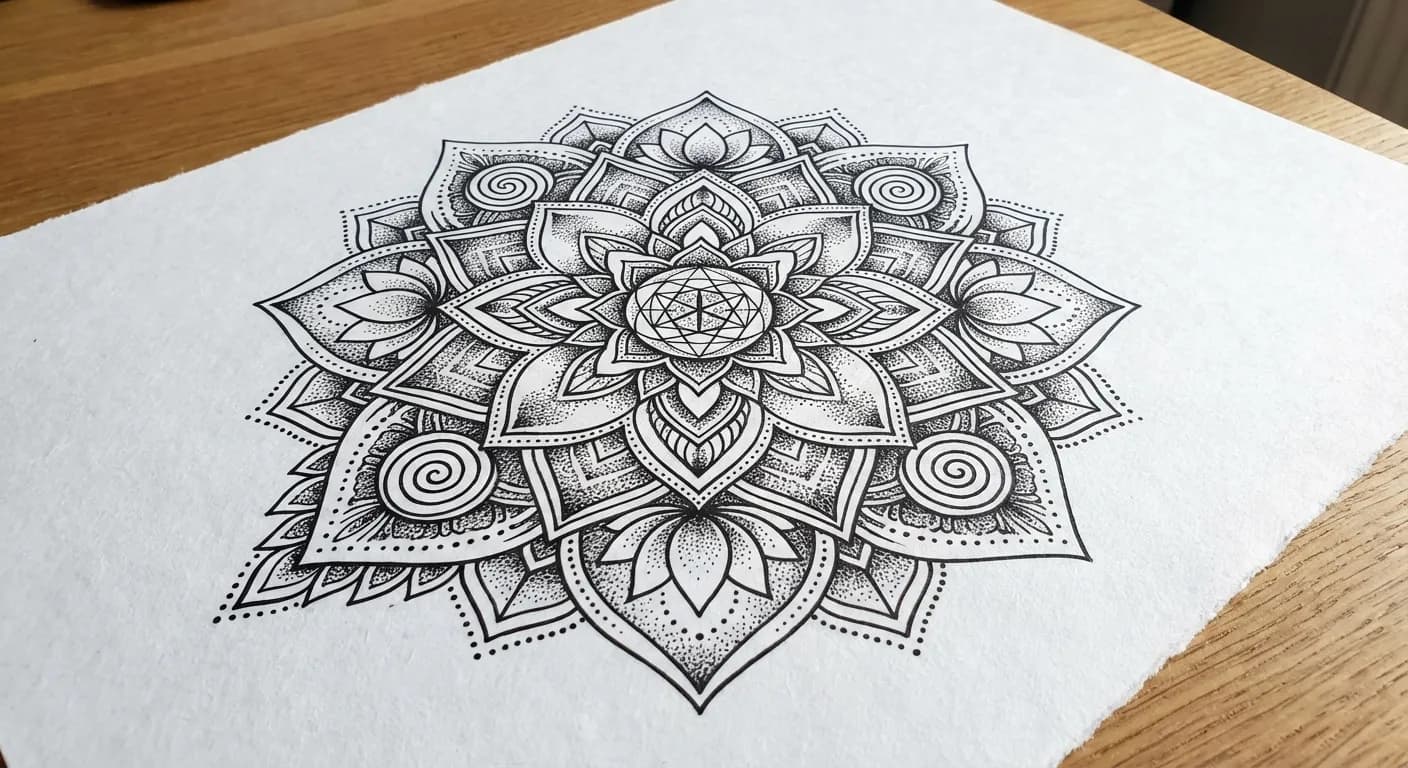
Blackwork mandala
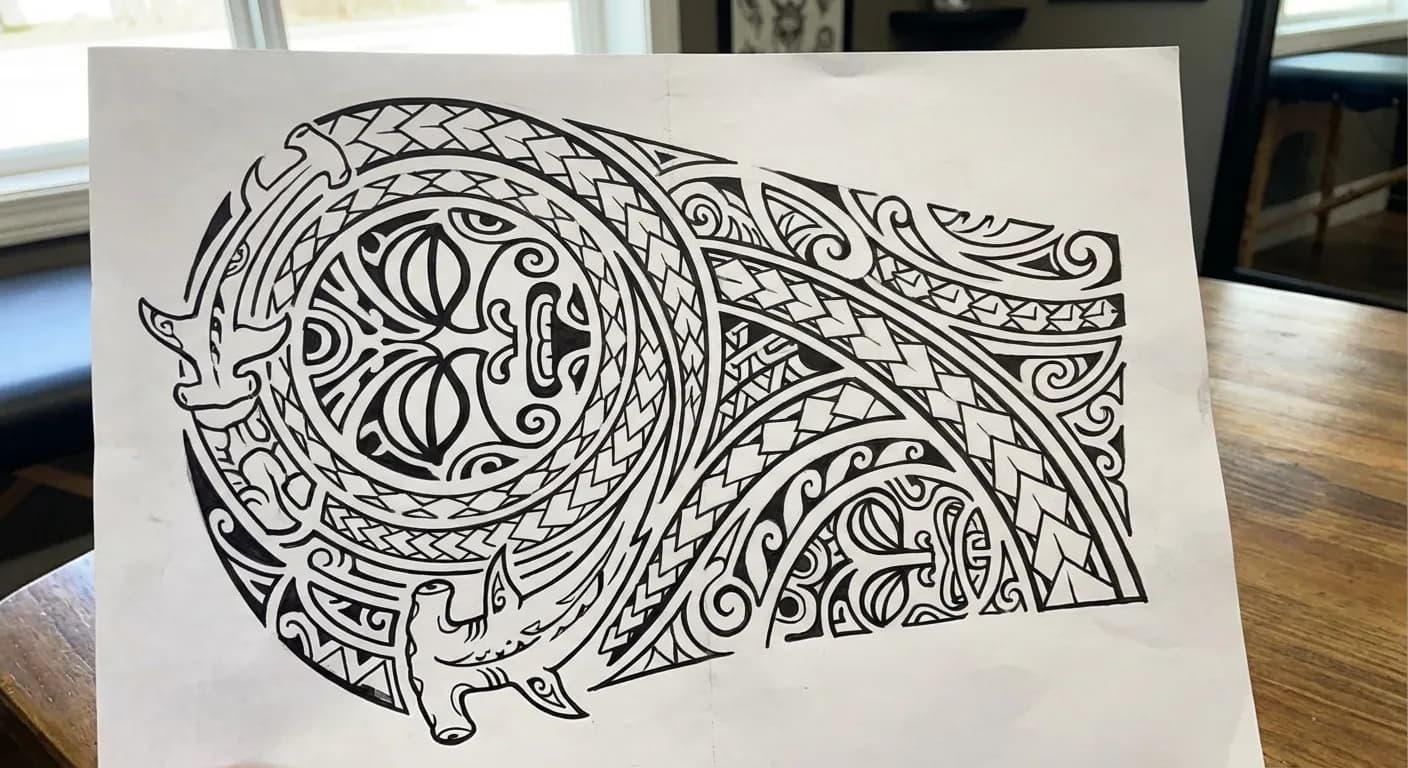
Polynesian tribal
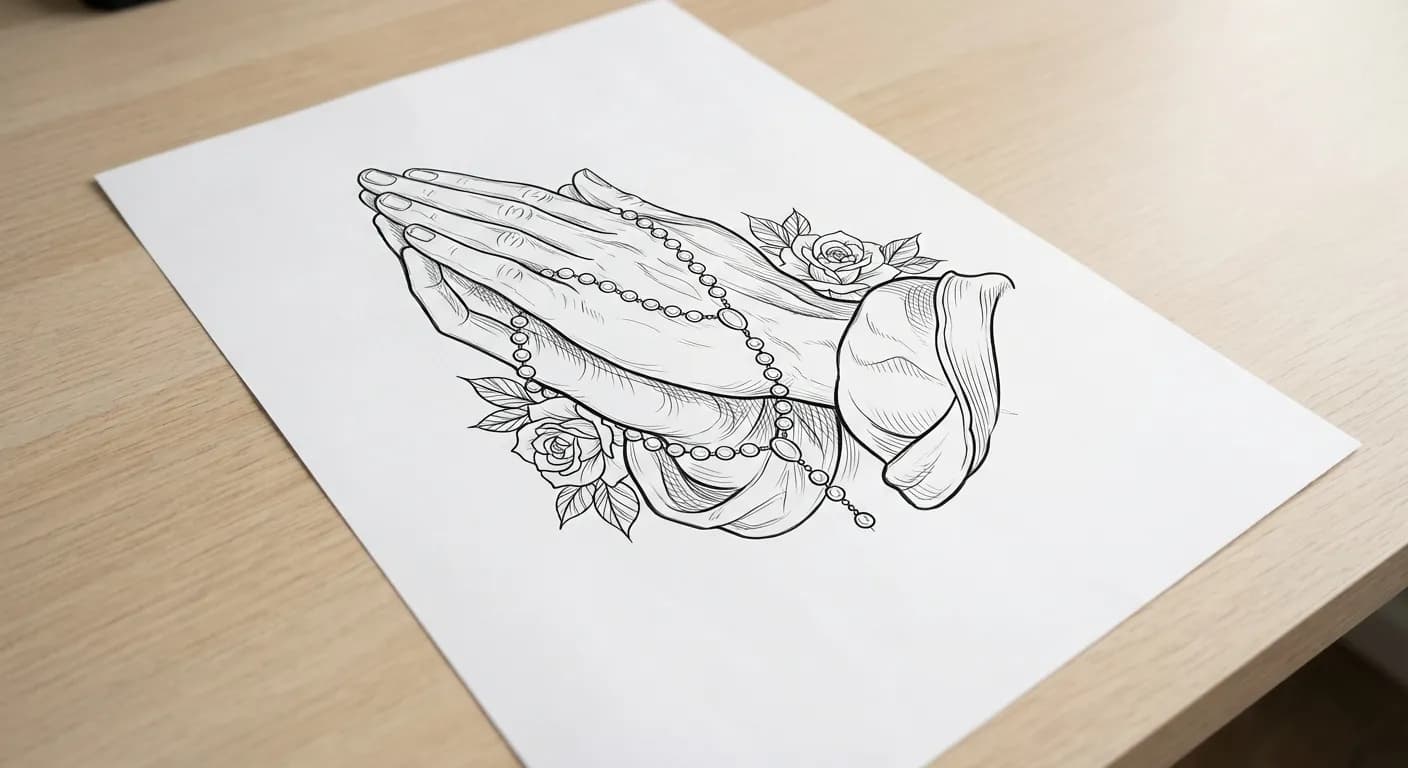
Chicano praying hands
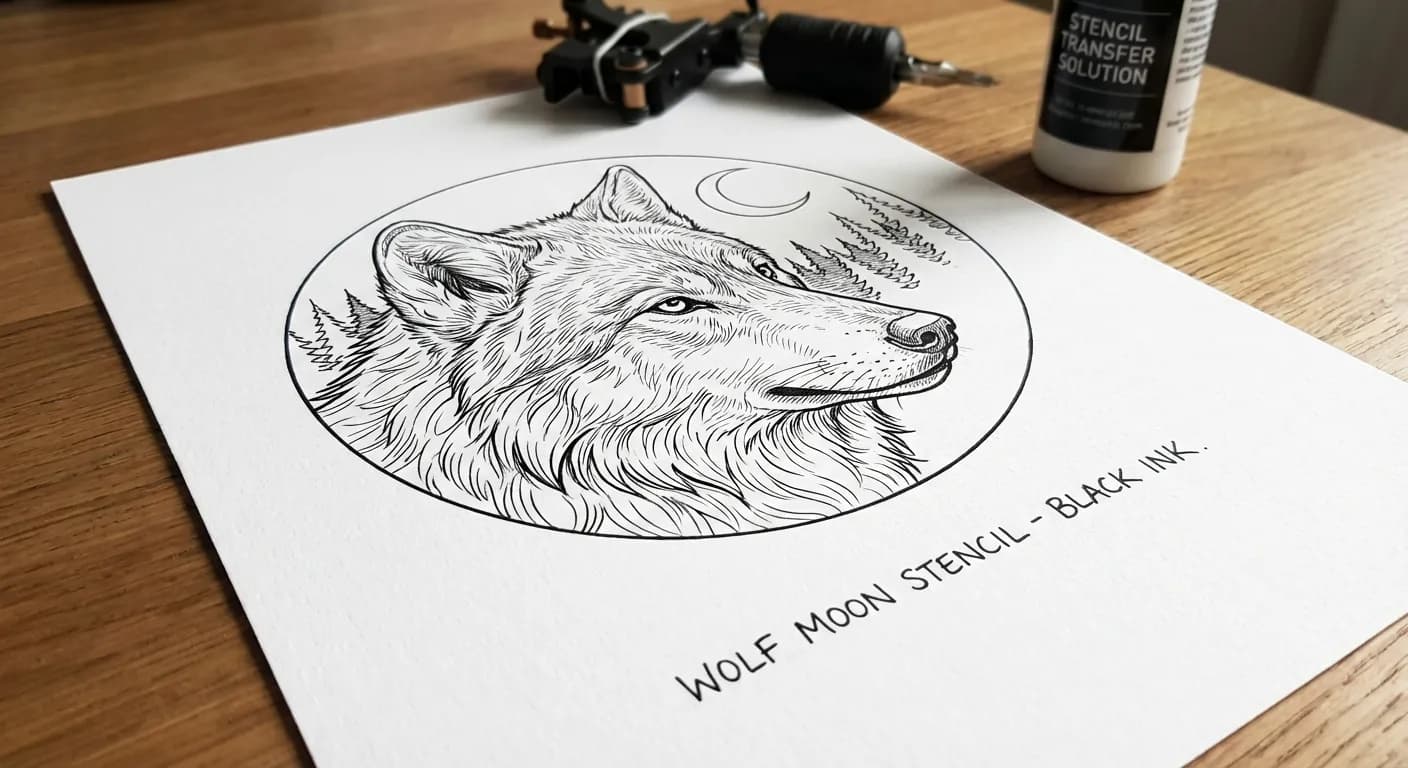
Realistic wolf
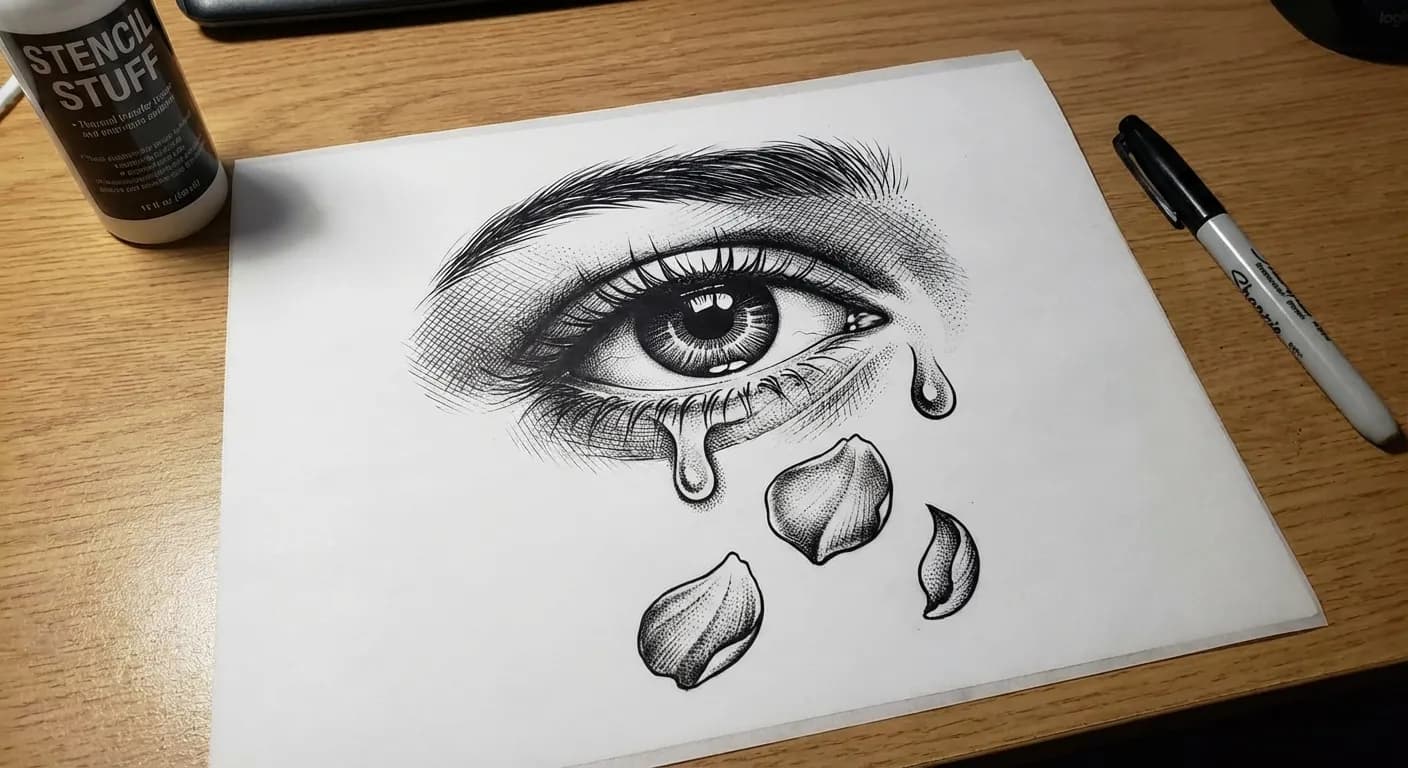
Realism — eye
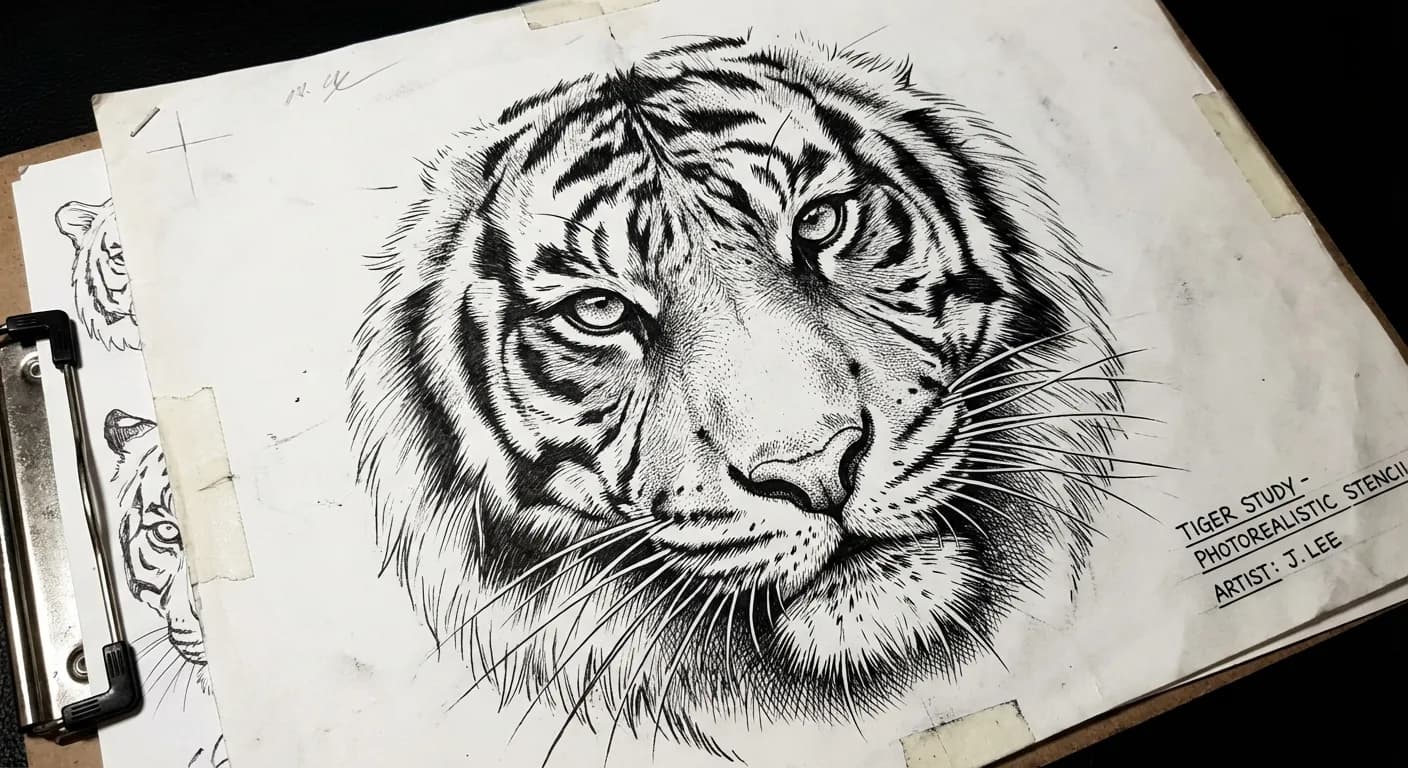
Realism — tiger
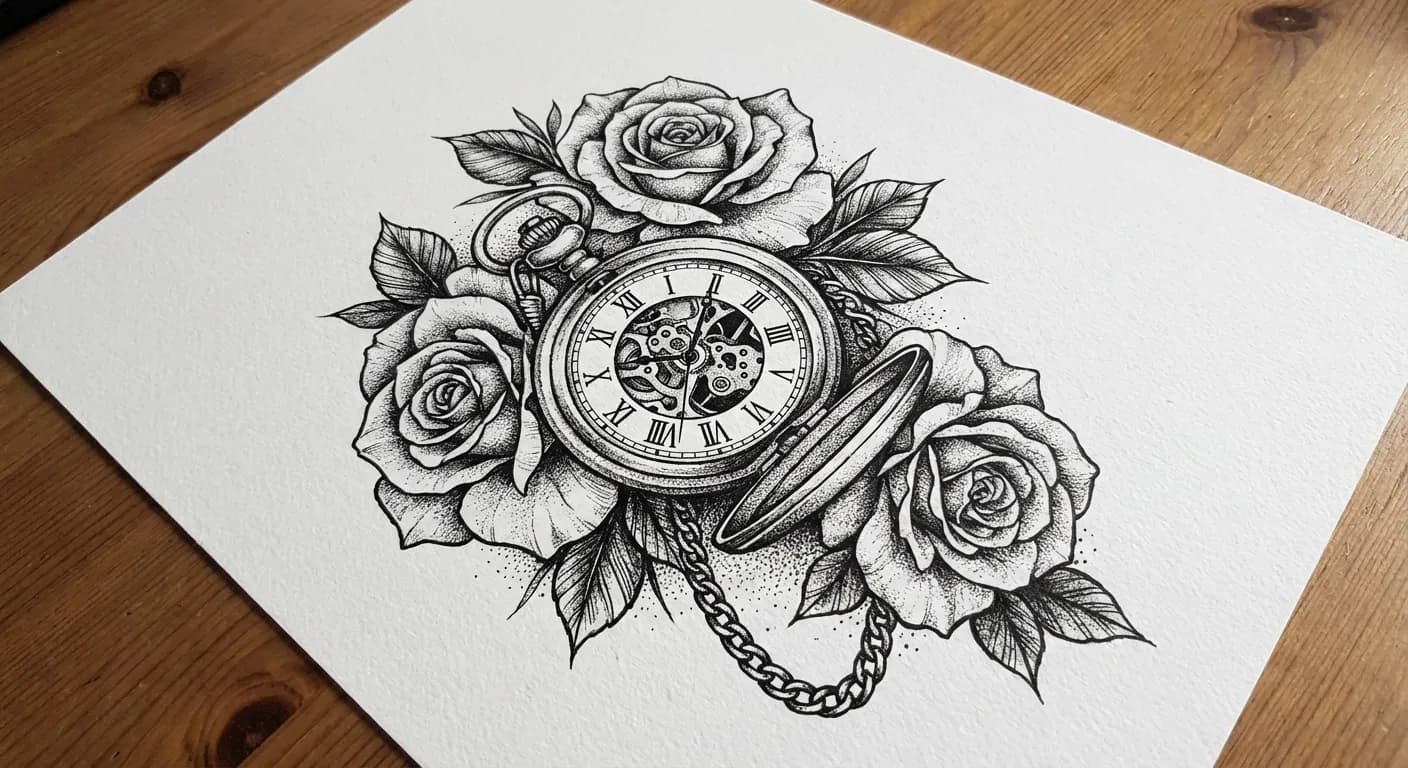
Watch with roses
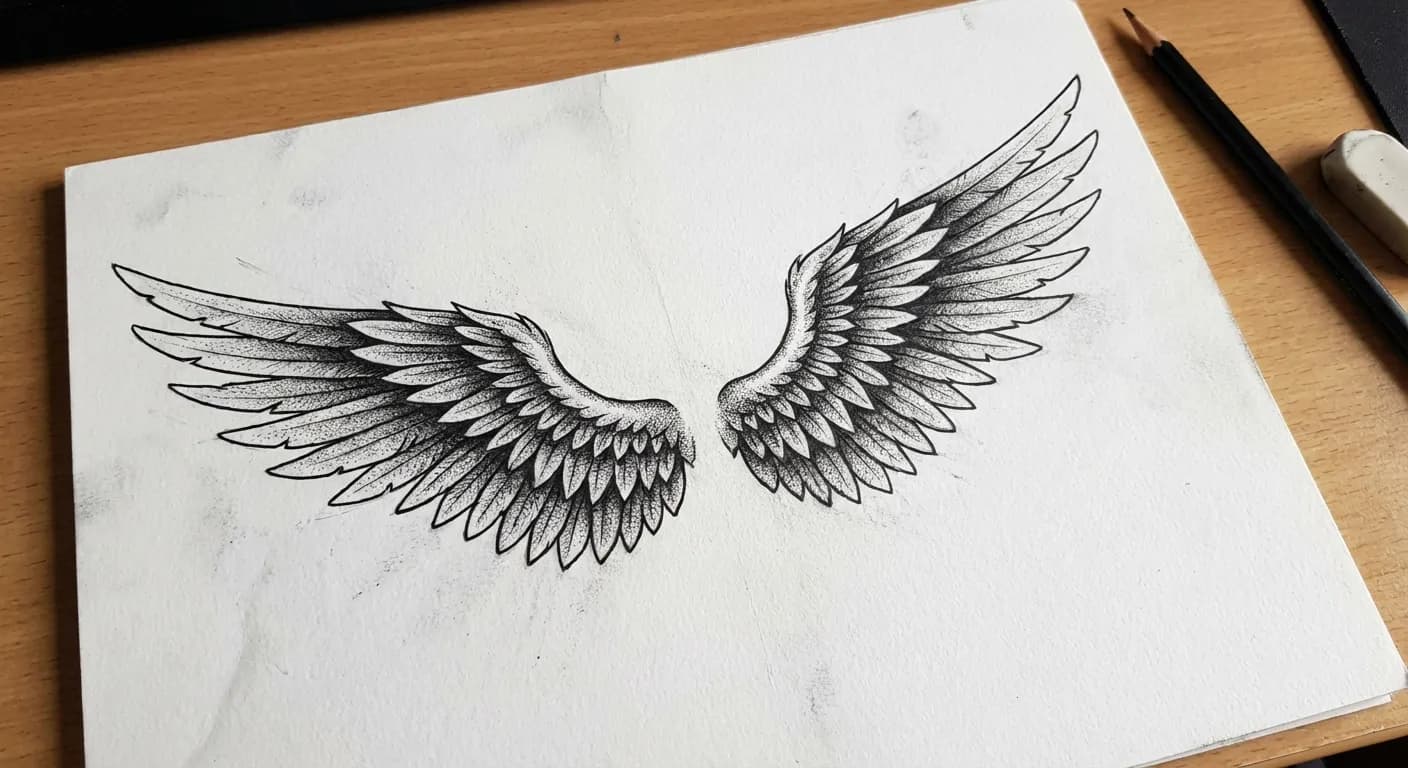
Angel wings
Realistic lion
Old school eagle
Japanese koi
Sacred geometry
Skull with peonies
Minimalist flowers
Blackwork mandala
Polynesian tribal
Chicano praying hands
Realistic wolf
Realism — eye
Realism — tiger
Watch with roses
Angel wings
Angel wings
Watch with roses
Realism — tiger
Realism — eye
Realistic wolf
Chicano praying hands
Polynesian tribal
Blackwork mandala
Minimalist flowers
Skull with peonies
Sacred geometry
Japanese koi
Old school eagle
Realistic lion
Angel wings
Watch with roses
Realism — tiger
Realism — eye
Realistic wolf
Chicano praying hands
Polynesian tribal
Blackwork mandala
Minimalist flowers
Skull with peonies
Sacred geometry
Japanese koi
Old school eagle
Realistic lion

How to create a stencil

Simple process from idea to stencil

Step 1

Create or upload a design

Generate a tattoo design using the GenTattoo AI generator or upload your own drawing. Any image format is accepted.

  • Describe your idea or upload an image
  • AI will create an outline drawing
Stencil interface
Sketch generation
Step 2

Click "Create Stencil"

With one click, start converting the design into a contour stencil. AI will automatically highlight key lines and details.

Step 3

Download the ready stencil

Download the stencil in high resolution. The file is ready for thermal paper printing — just print and bring to your artist.

  • Download ready stencil
  • Print on thermal printer
Styles catalog

GenTattoo Stencil Benefits

Precise contours

Precise contours

AI analyzes the design and highlights all significant contour lines, preserving proportions and details of the original design.

High resolution

High resolution

Stencils are created in resolution sufficient for A4 format printing. Lines remain sharp at any scale.

Ready for printing

Ready for printing

The downloaded file is immediately suitable for thermal paper printing. No additional processing in graphic editors required.
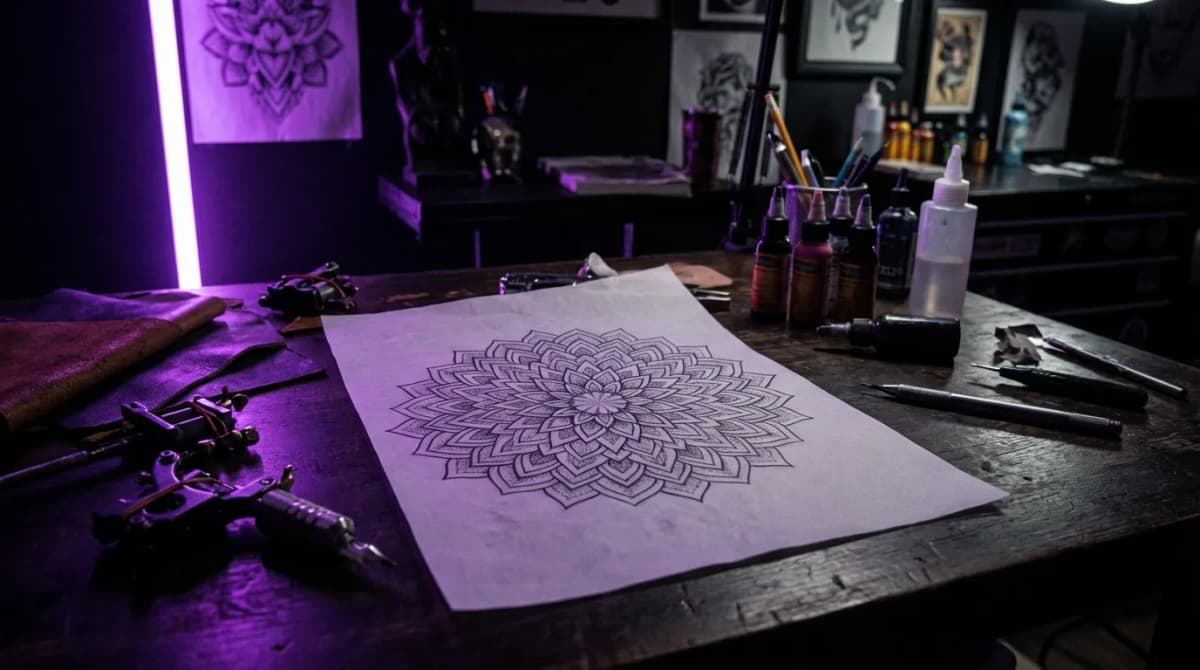
Tattoo Stencil —

The stencil creation process is fully automated. AI analyzes the source design, highlights key contour lines, removes fills, colors, and textures, preserving only the design structure. The result is a clean contour stencil in high resolution, ready for thermal paper printing. The tattoo artist can transfer it to the client's skin using standard transfer gel.

Stencil creation is available to all GenTattoo users. Generate a design using the AI generator in any of the 47 styles or upload your own drawing, click 'Create Stencil' and download the ready file. The entire process takes just seconds and requires no graphic design skills.

Artist Reviews

Stencils come out sharp, lines are clean — perfect for thermal printer. Saves tons of time.

IP

Ivan P.

Tattoo artist

Used to draw stencils by hand for hours. Now I get results in a minute!

ES

Elena S.

Beginner artist

Clients come with ideas and we instantly create a stencil. Very convenient for work.

OT

Oleg T.

Tattoo studio

Create a stencil right now

Generate a design or upload your drawing — and get a ready stencil for skin transfer in seconds.

Create stencil

Frequently asked questions

What is a tattoo stencil?
A tattoo stencil is a contour template of a tattoo designed for transferring the design onto the skin. It is a simplified image with clear lines that the tattoo artist prints on special thermal paper and transfers to the client's body. The stencil serves as precise marking for tattoo application, ensuring correct proportions and placement of all elements.
How to transfer a stencil to skin?
To transfer a stencil to skin, print it on thermal (transfer) paper using a regular printer. Treat the skin area with special transfer gel or alcohol solution, press the thermal paper with the design against the skin for 30-60 seconds. After removing the paper, a precise contour print remains on the skin, which the artist uses to create the tattoo.
What quality are the stencils?
GenTattoo stencils are created in high resolution with clear, smooth contours. AI automatically processes the design: removes fills and colors, keeping only key contour lines and details. The result is ready for printing on standard A4 thermal paper. Stencil quality meets professional tattoo industry requirements.
Can I use my own drawing?
Yes, you can upload your own drawing or design and create a stencil from it. GenTattoo will process your image, extract contours, and convert them into a clean stencil ready for transfer. You can also first generate a design using the AI generator, then convert it to a stencil with one click.