
Try Tattoo on Photo — virtual tattoo try-on online
GenTattoo's virtual tattoo try-on lets you see how a tattoo will look on your body before visiting the studio. Upload a photo of the desired body part, choose or create a design — and AI will realistically overlay it considering body shape, lighting, and perspective. No random decisions: only informed choices.
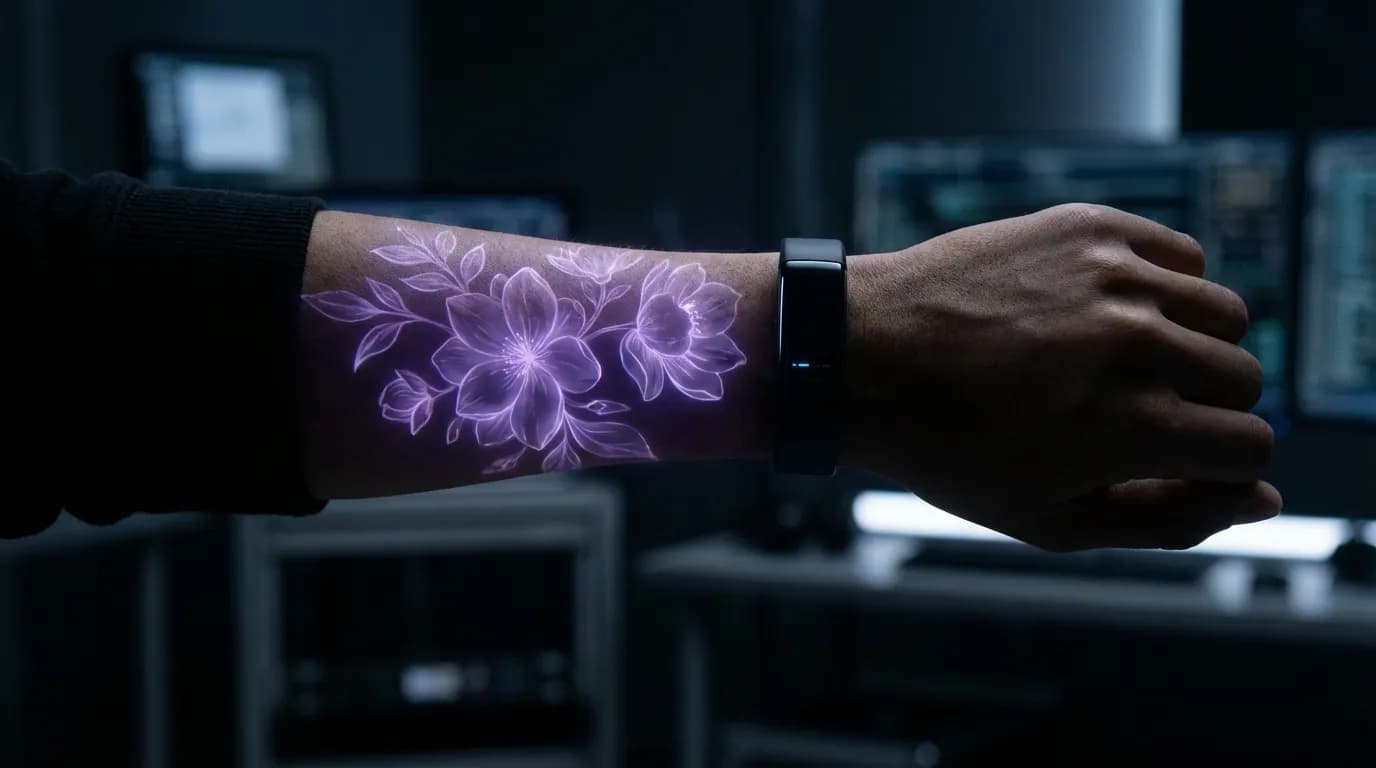
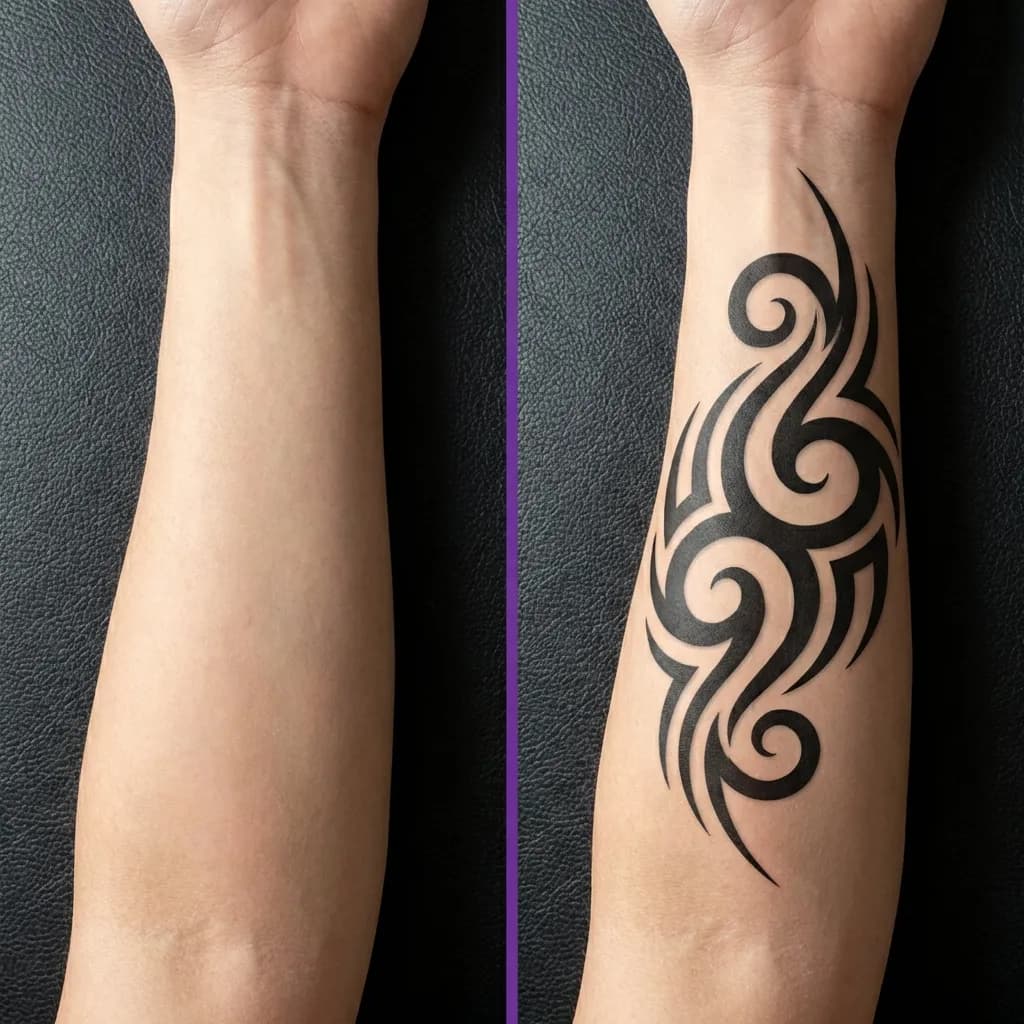
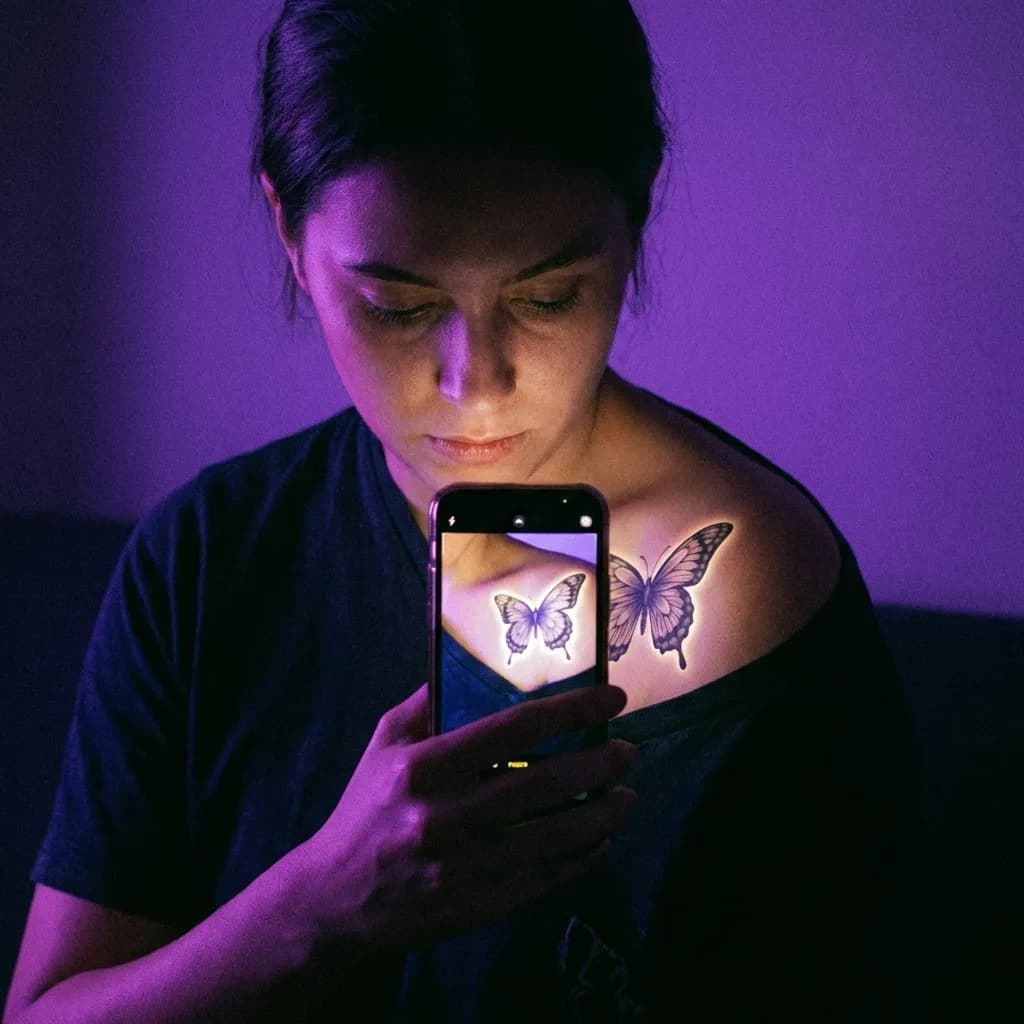
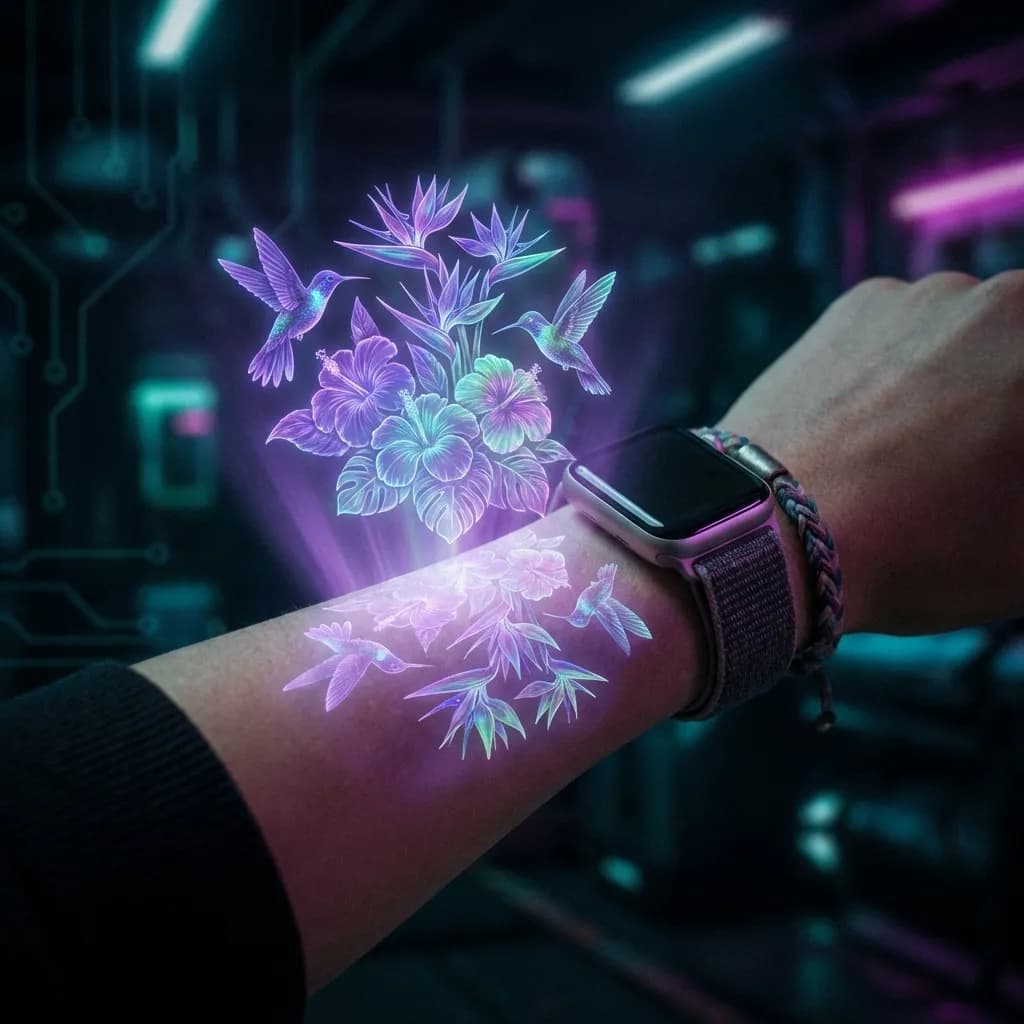
Try-On Examples
See how a tattoo will look on your body
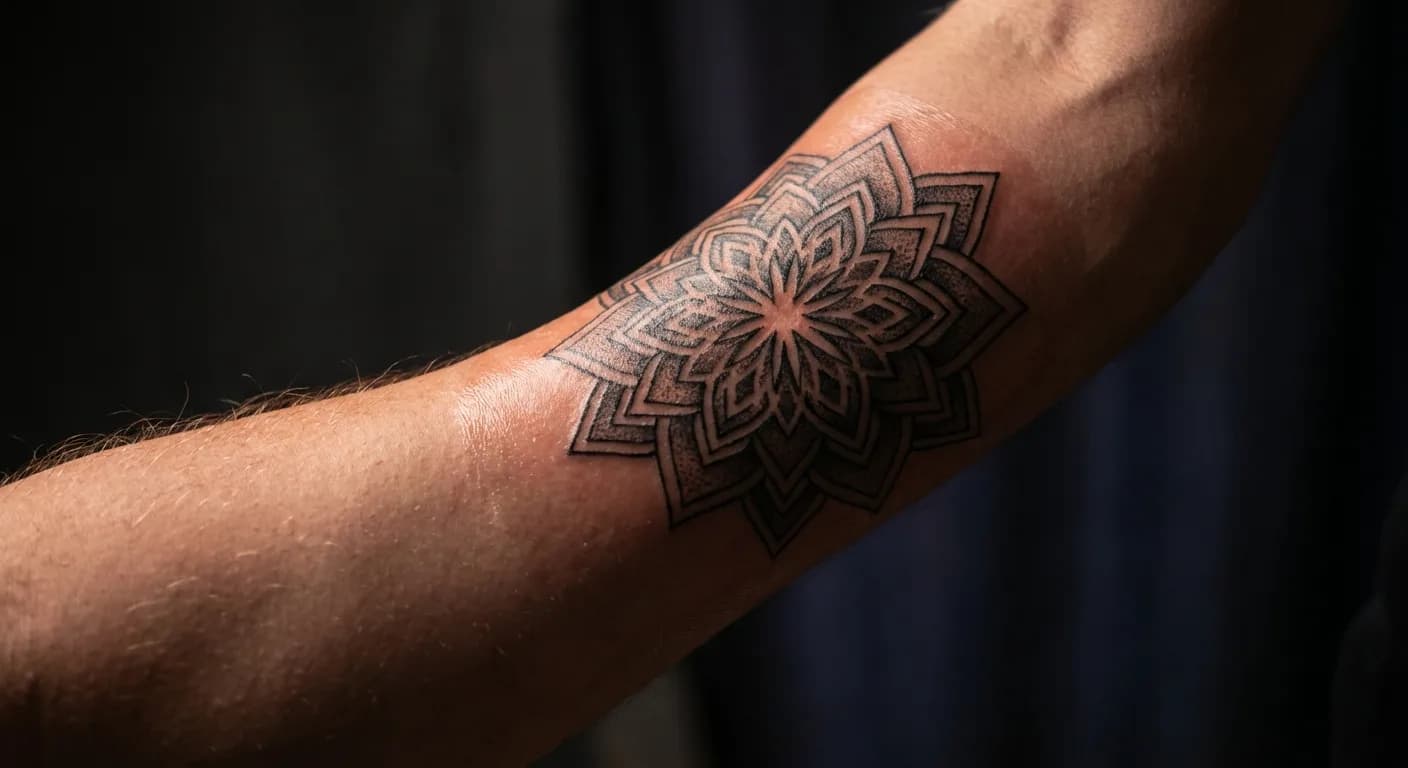
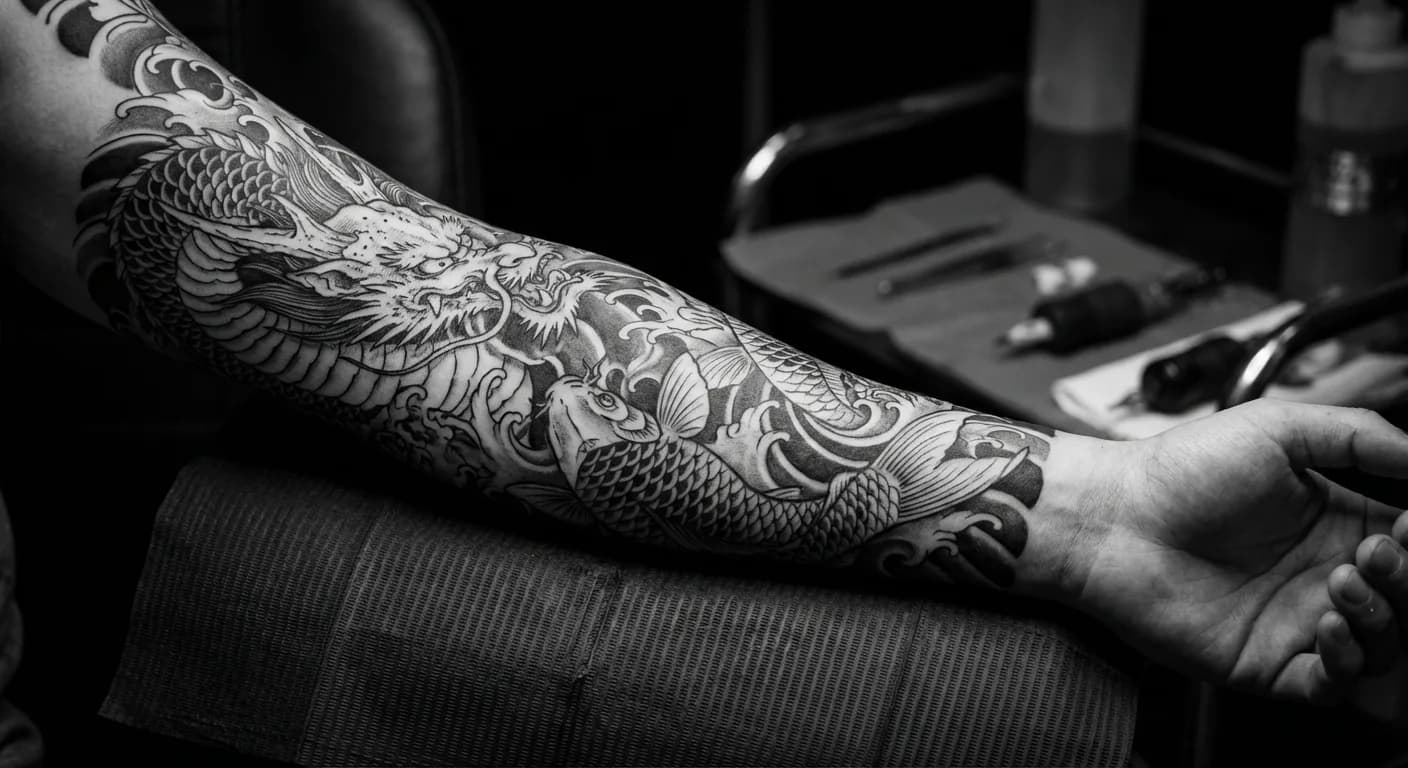
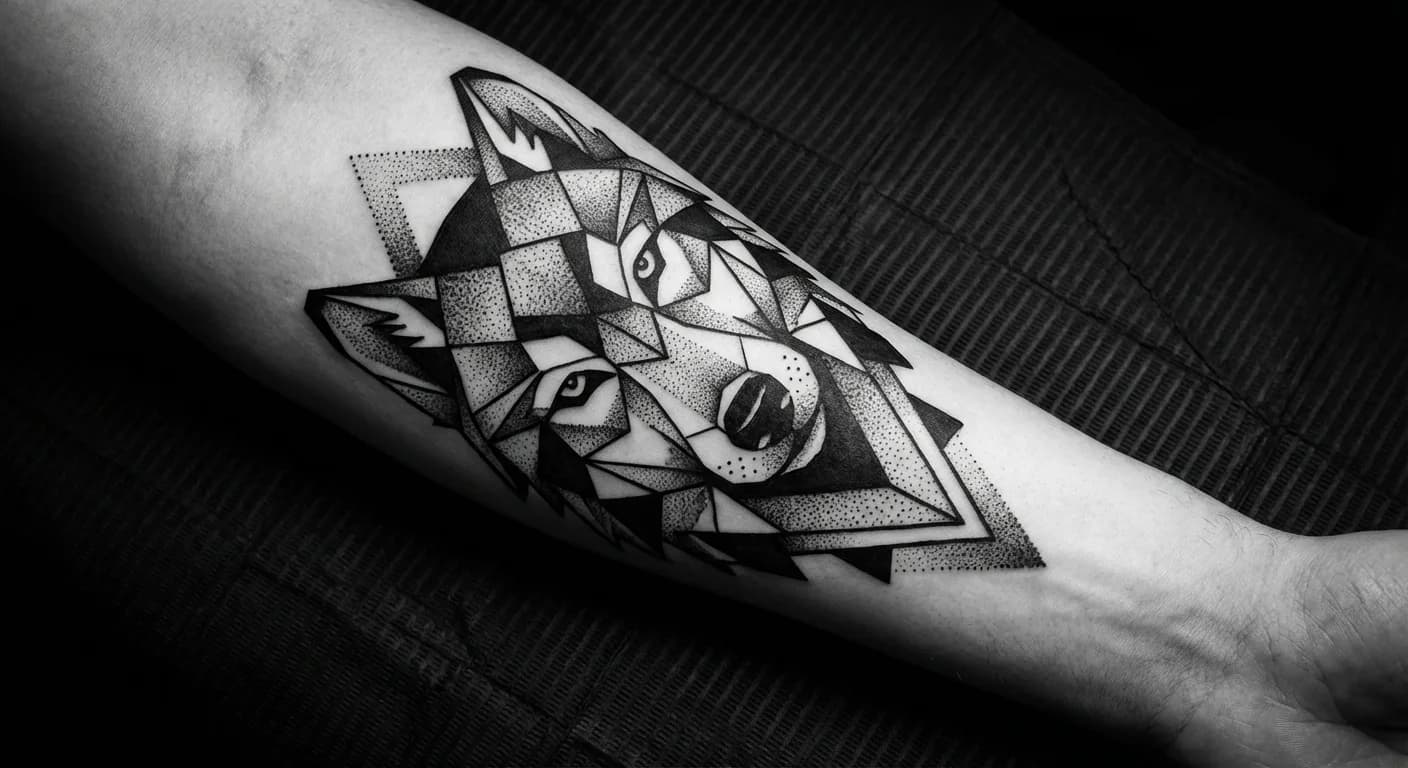
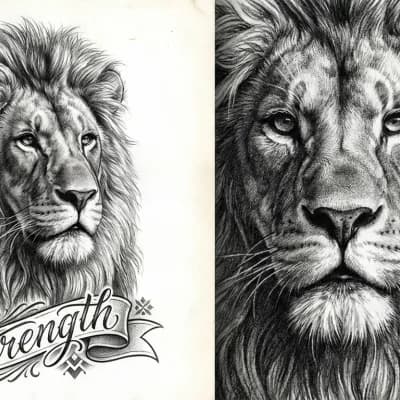

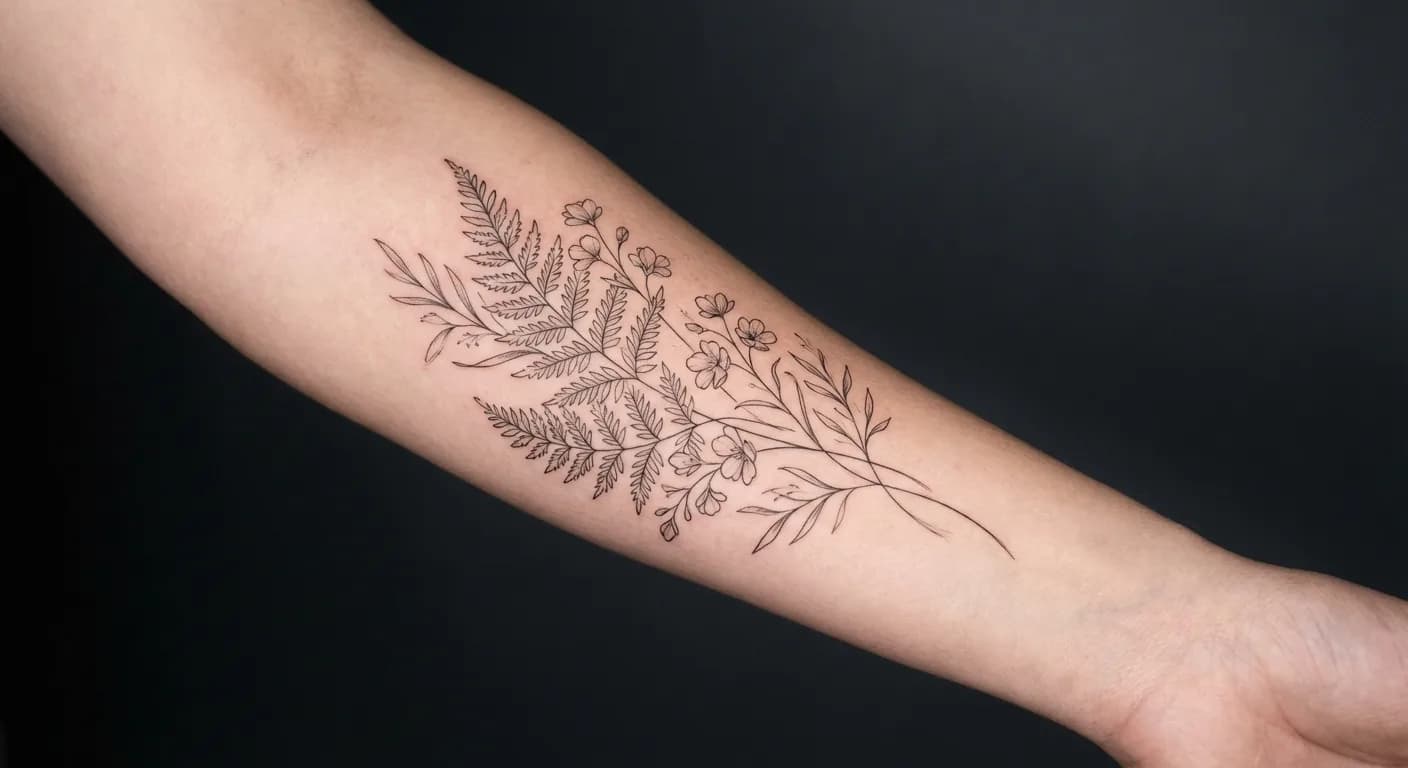
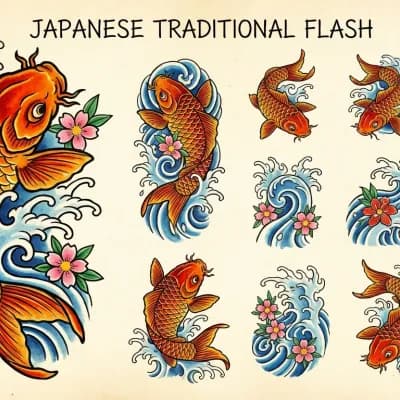
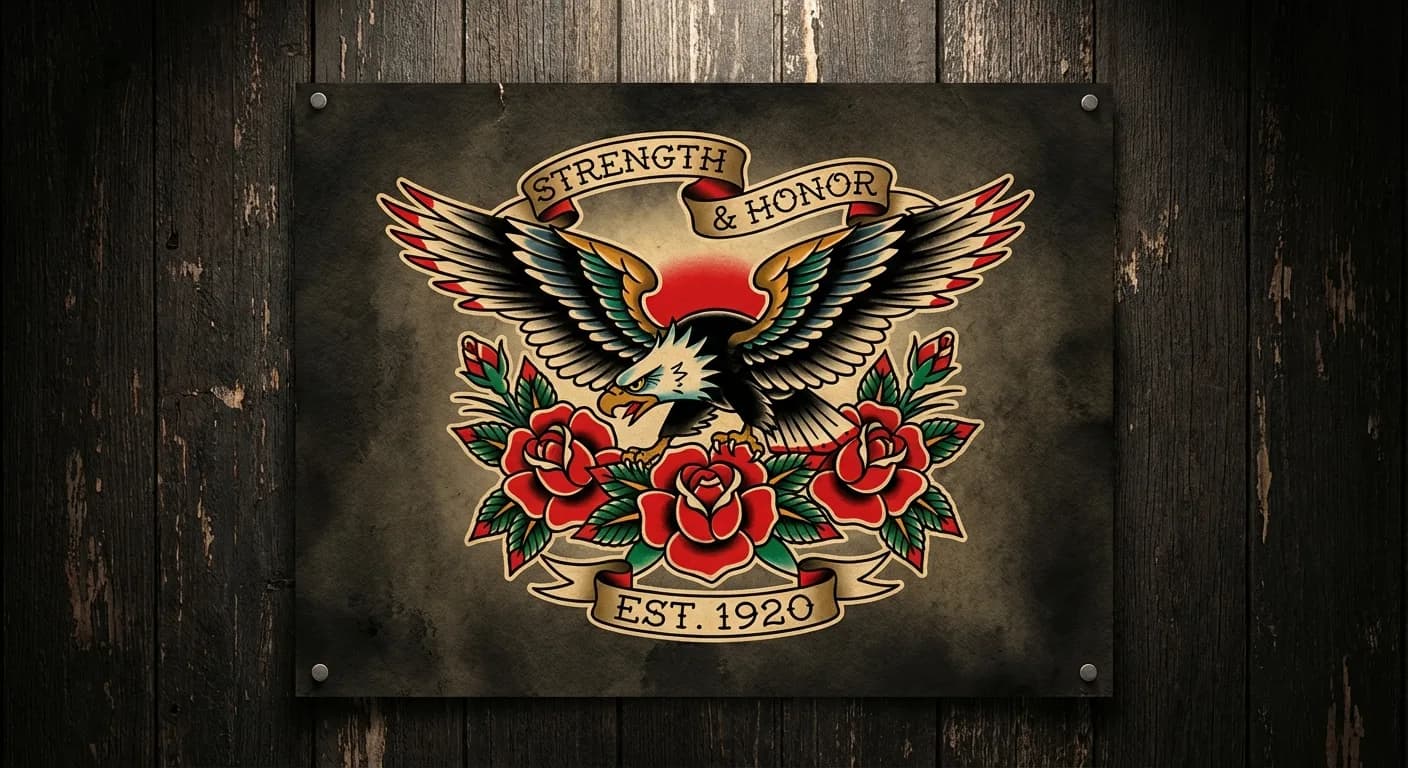
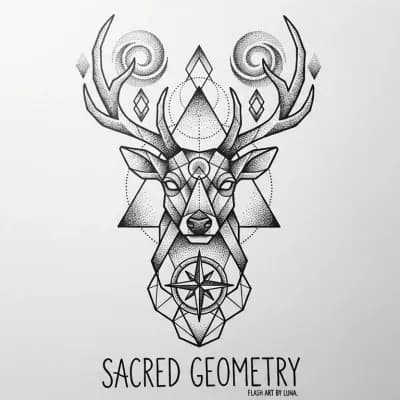
How to try a tattoo on photo
Upload a photo and see the result
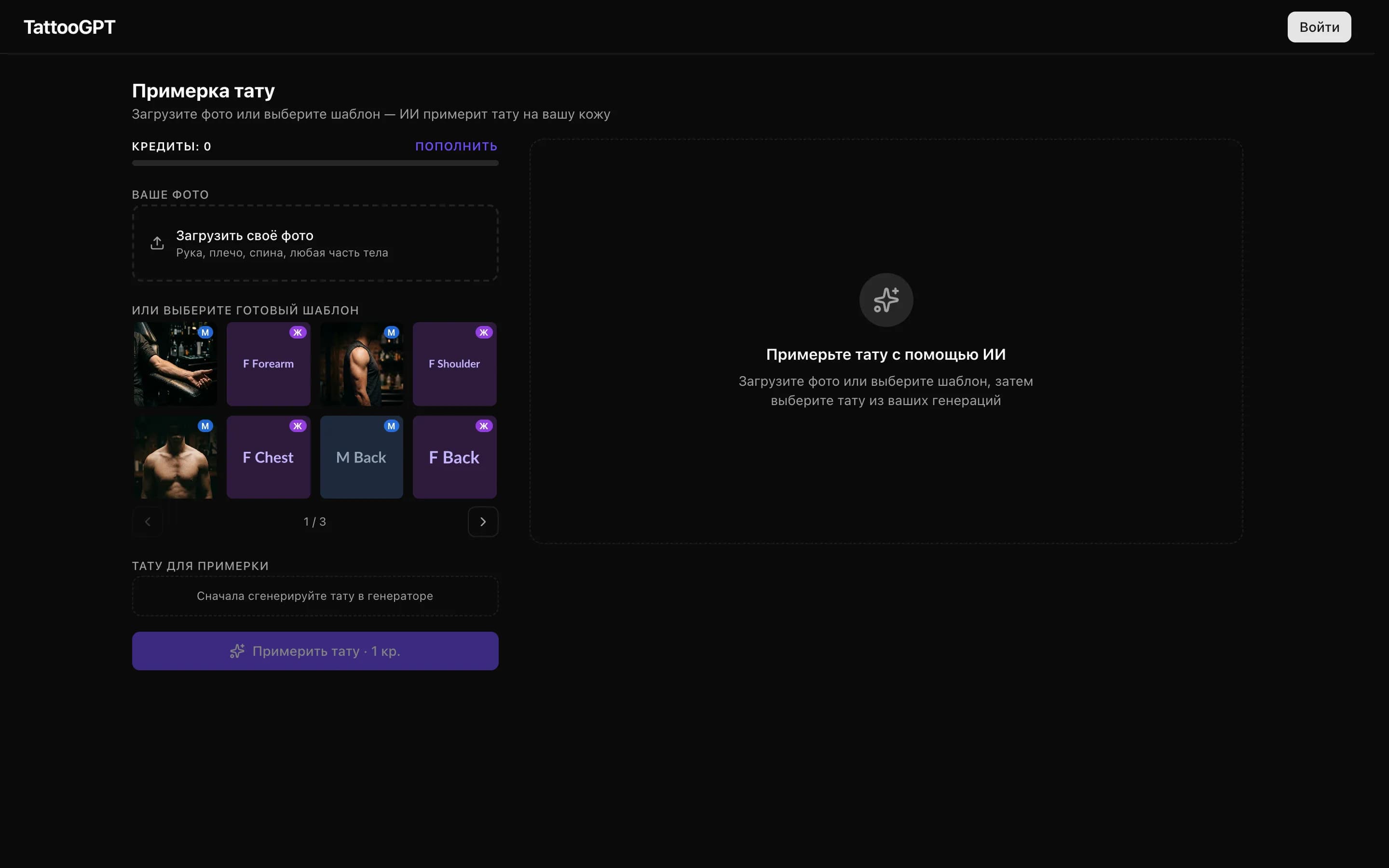
Upload a photo
Photograph the desired body part: arm, shoulder, forearm, back, leg. The photo should be clear, with good lighting.
- ✓ Upload your photo or choose a template
- ✓ Arm, shoulder, back — any body part
Choose a design
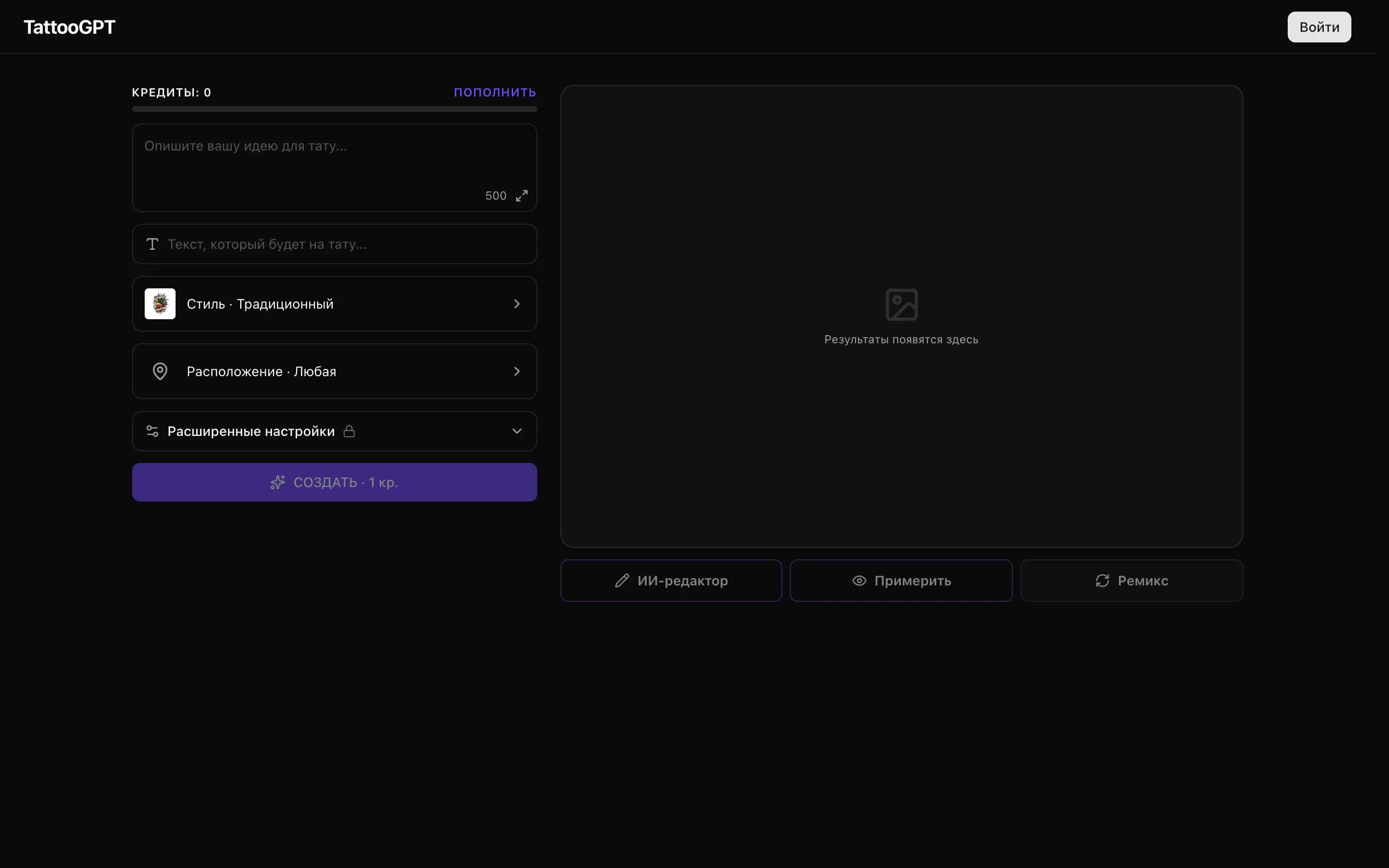
Create a new design using the GenTattoo AI generator or choose a design from the gallery. Specify the desired placement.
See the result
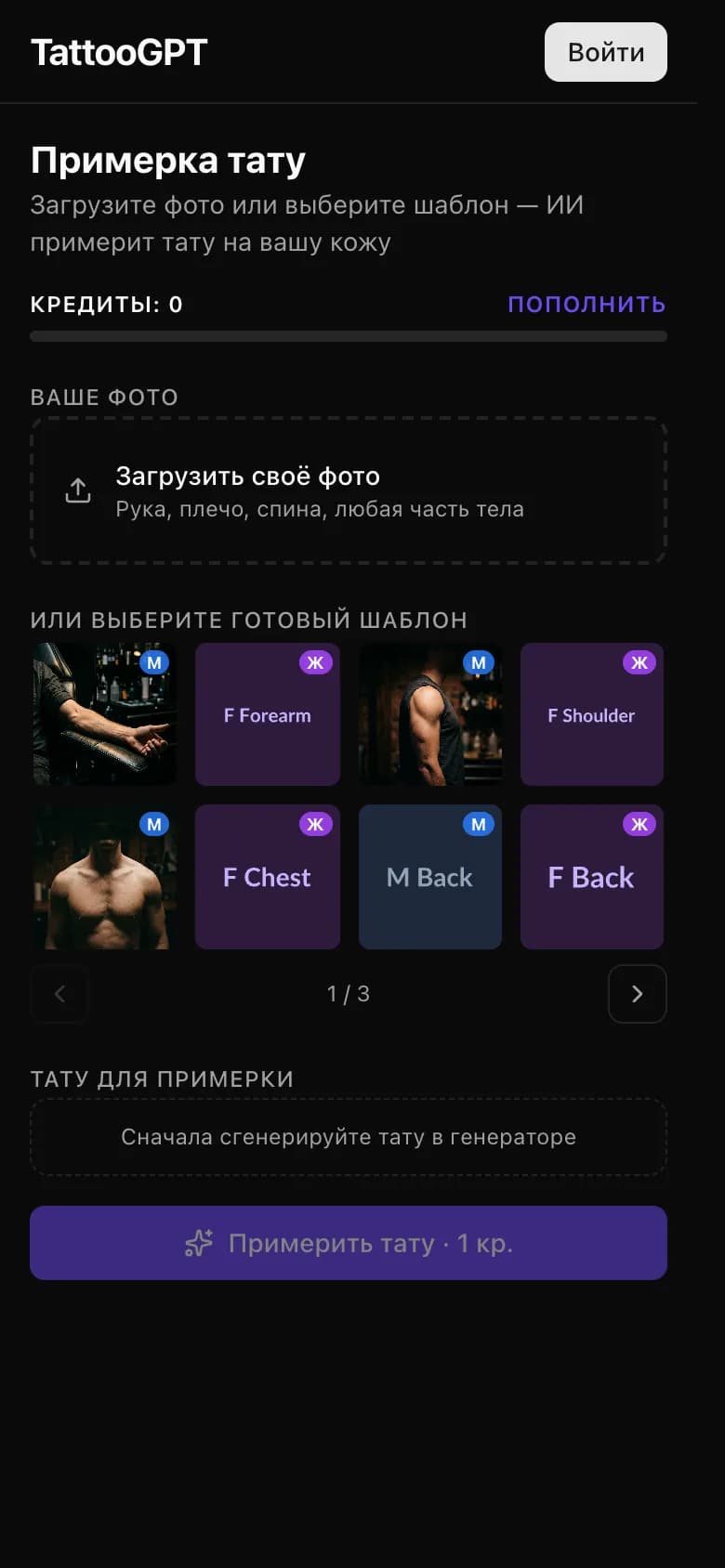
AI will overlay the tattoo on the photo considering body shape, lighting, and perspective. Download the image and show it to your artist.
- ✓ Realistic result on your photo
- ✓ Download and show your artist
Benefits of virtual try-on
Realistic result
AI considers body contours, shadows, and lighting. The try-on shows how the tattoo will look in real life, not just an overlay on a photo.
Any body part
Try-on works for arms, legs, back, chest, neck, and other areas. AI adapts the design to the shape and contours of the specific body part.
Avoid mistakes
Try-on helps evaluate size, placement, and proportions before application. You'll be confident in your choice before visiting the artist.
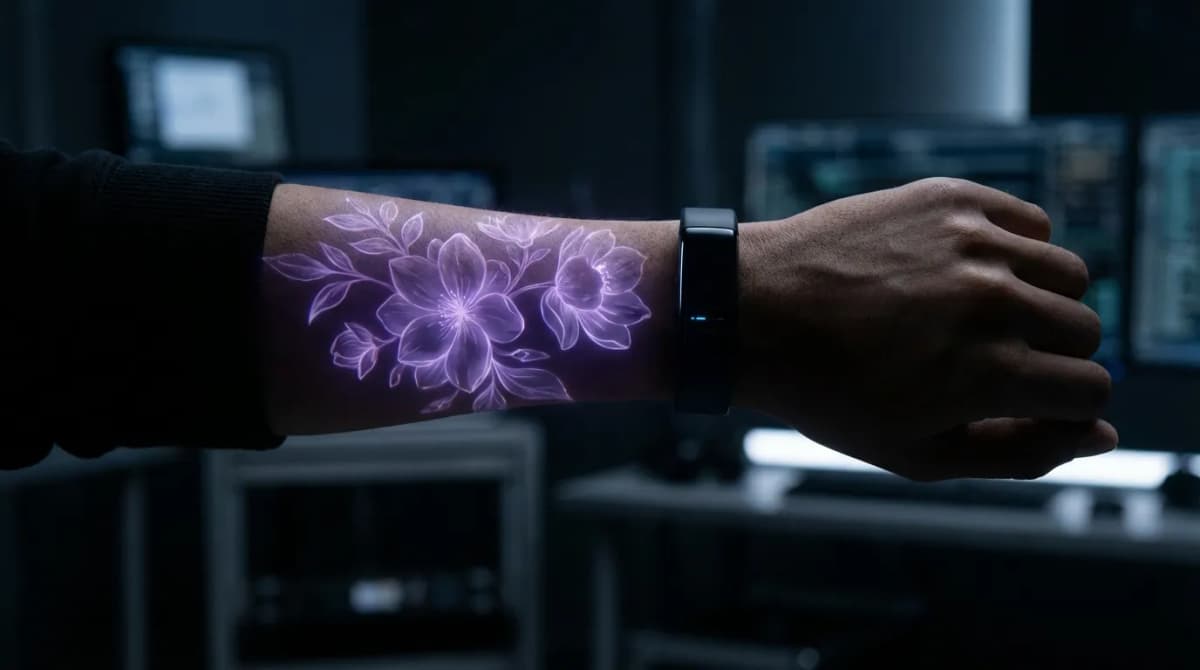
The technology works for any body part: arms and forearms, shoulders and biceps, chest and back, neck, legs, calves, and thighs. AI analyzes the surface contours and automatically adapts the design to anatomical features, creating the most realistic image.
Use try-on to test different options: compare multiple designs on the same photo, try different sizes and placements. The try-on result can be downloaded and shown to your tattoo artist.
User Reviews
“Was afraid the tattoo wouldn't suit me. Tried it on a photo — and realized it's exactly what I want!”
Anna K.
First tattoo
“I show clients the result before applying. It removes all doubts and speeds up the process.”
Sergey M.
Tattoo artist
“Tried 10 variations in 5 minutes. Without try-on I would've regretted my choice.”
Olga V.
Designer
Try a tattoo right now
Upload a photo — and AI will show how the tattoo will look on your body.
Try tattoo3 free try-ons on signup
Other Tools
Everything for creating the perfect tattoo